> ## Documentation Index
> Fetch the complete documentation index at: https://docs.0x0.exchange/llms.txt
> Use this file to discover all available pages before exploring further.
# Forgot Password
> If you forget your password, you can reset it by clicking the "Forgot Password" button on the login page.
## Forgot Password
Forgot your password? Don’t worry you can clear all wallet data from your browser to reset, then import your wallet again to set it up.
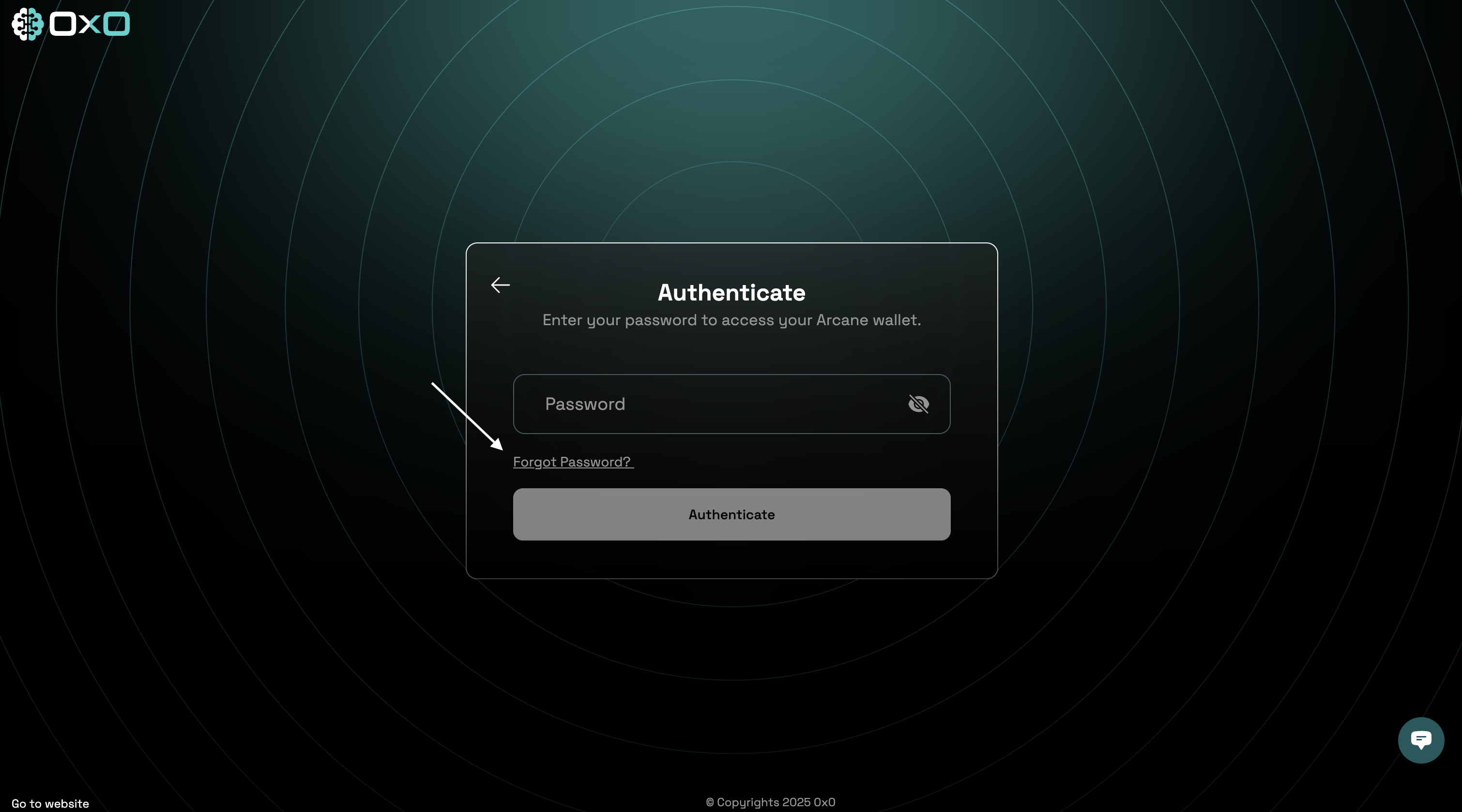
1. Navigate to the [Arcane Wallet](https://wallet.arcane.network/) and click on the "Forgot Password" button.
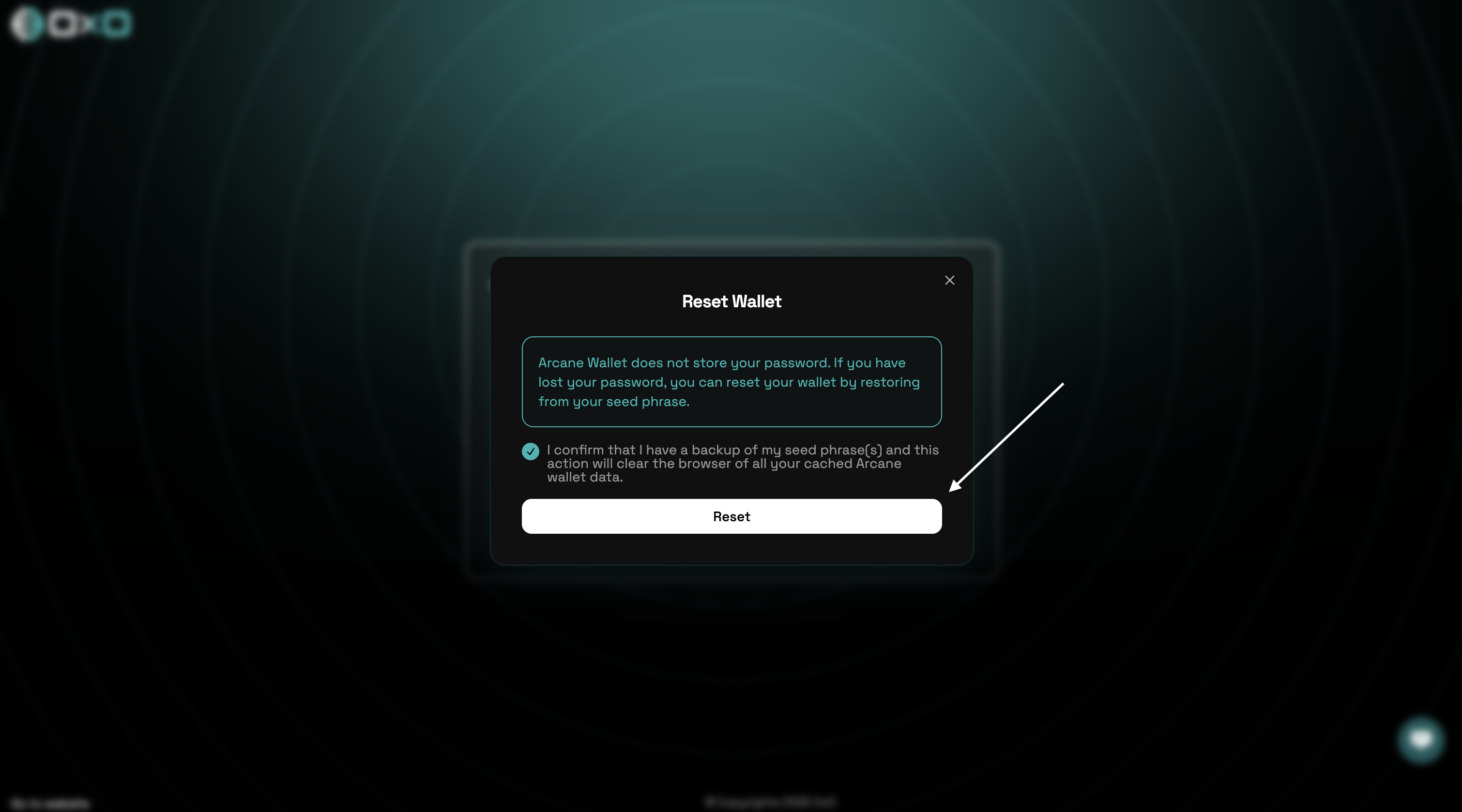
 2. Please confirm that you have securely saved your 12-word recovery phrase before proceeding with the reset.