> ## Documentation Index
> Fetch the complete documentation index at: https://docs.0x0.exchange/llms.txt
> Use this file to discover all available pages before exploring further.
# Wallet Setup
> Arcane Wallet allows you to either create a brand-new wallet with a 12-word recovery phrase or import an existing one using your seed phrase or private key. Choose the option that suits your needs to get started.
## Create a new wallet
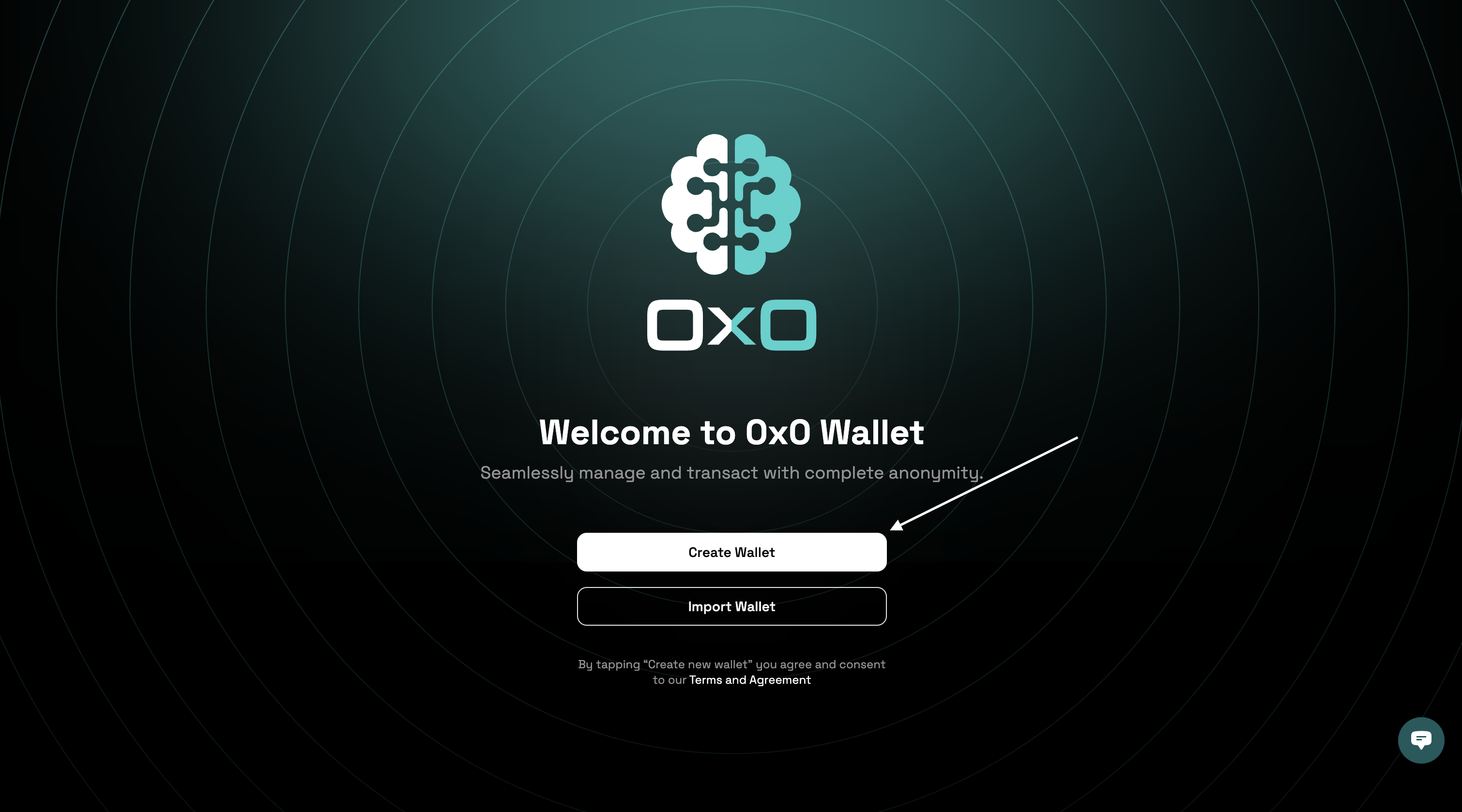
1. Navigate to the [Arcane Wallet](https://wallet.arcane.network/) and click on the "Create Wallet" button.
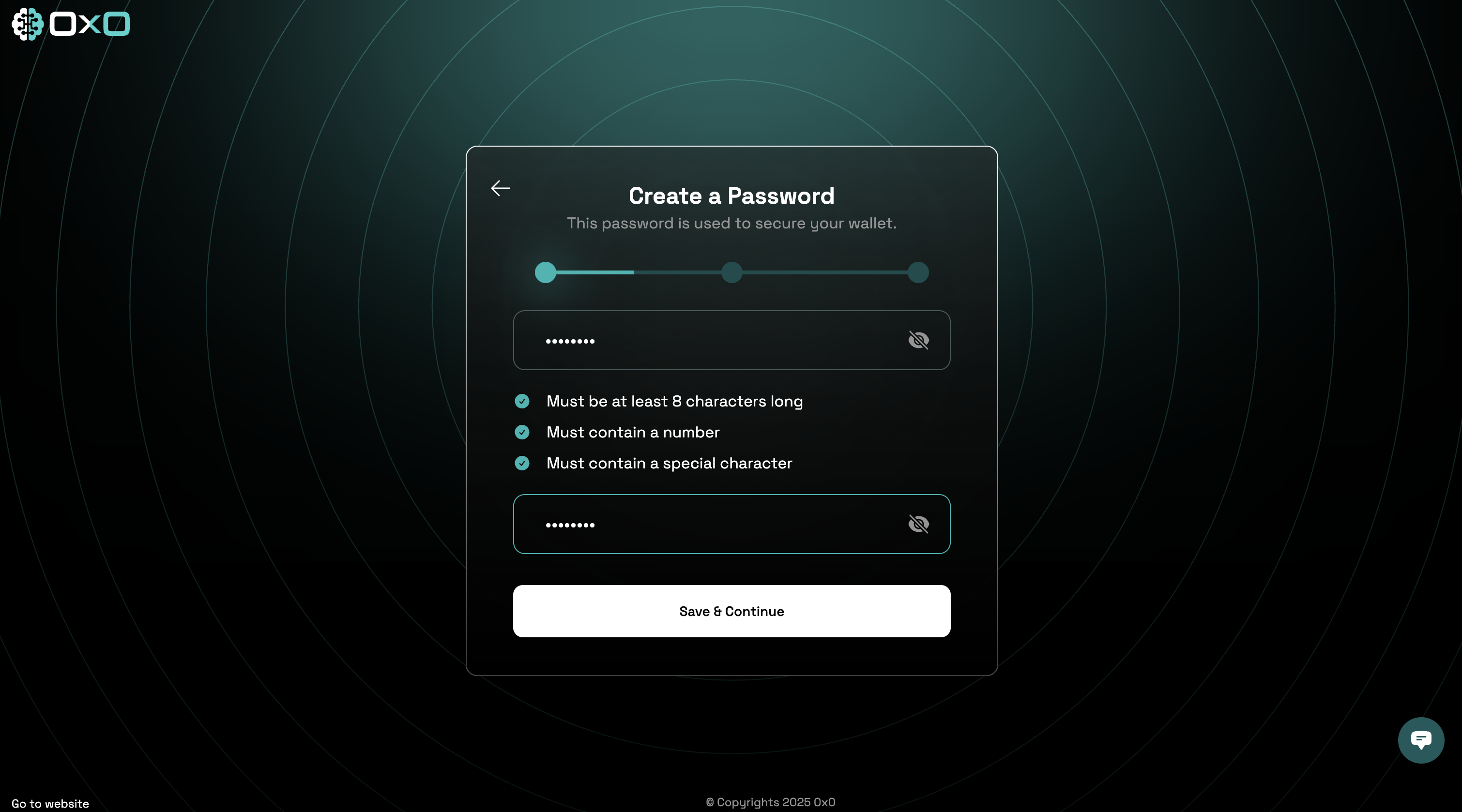
 2. Enter a strong password, then click the **Save & Continue** button to set up your wallet.
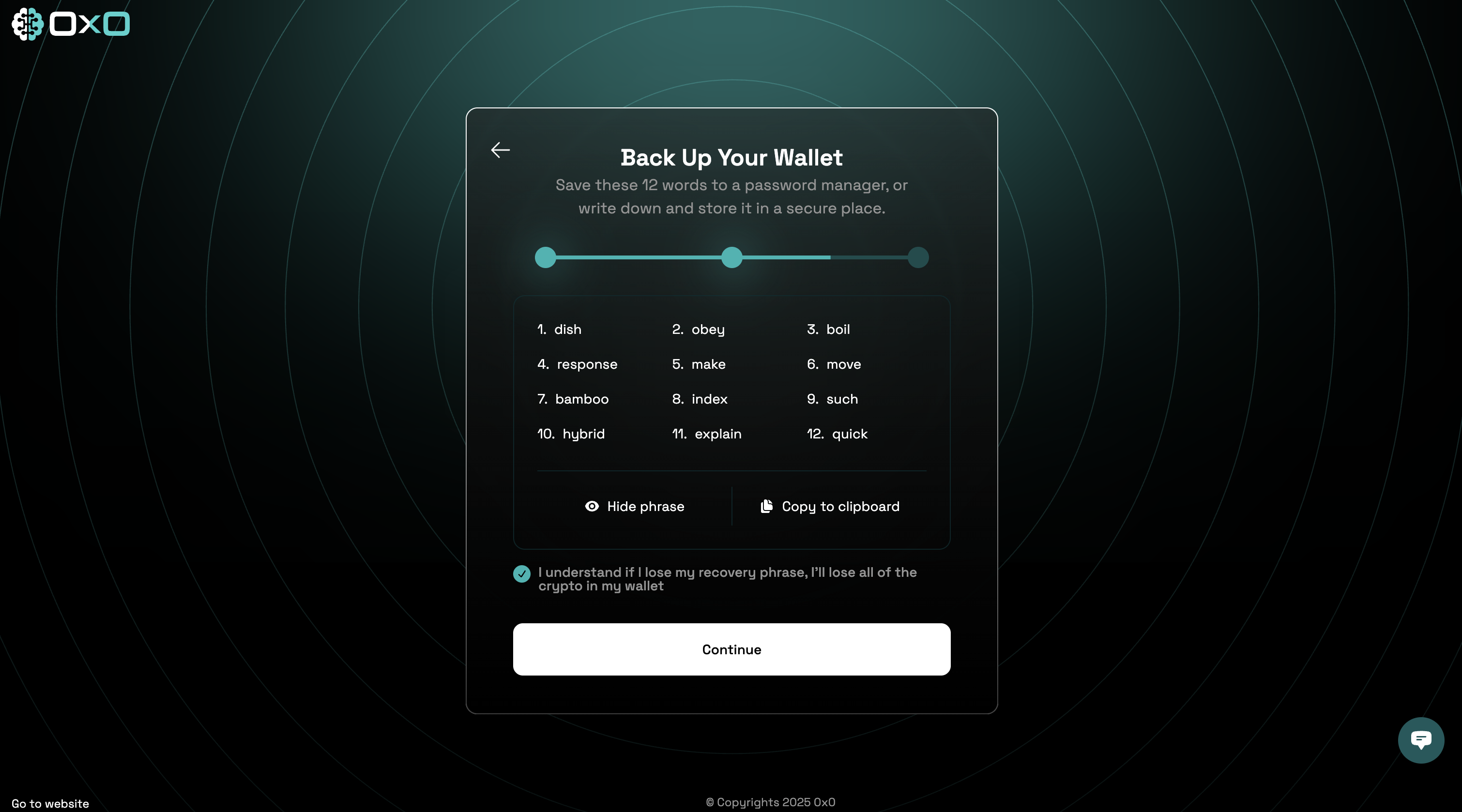
 3. Safely store your 12-word recovery phrase in a secure location. This is essential for recovering your wallet. Proceed to the next step.
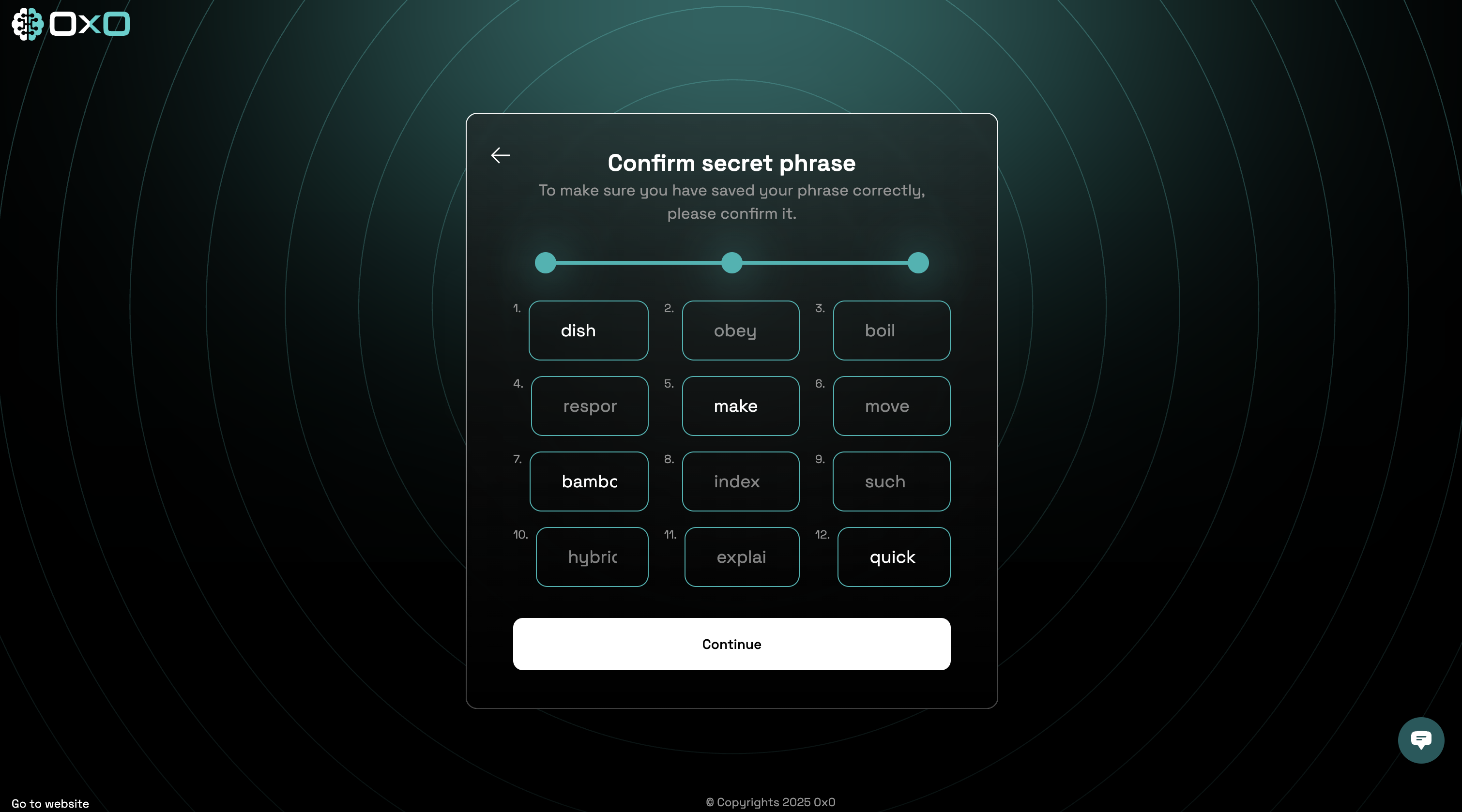
 4. Confirm your recovery phrase by entering the missing words in the empty fields. Click the **Continue** button to complete the setup.
 ## Import an existing wallet
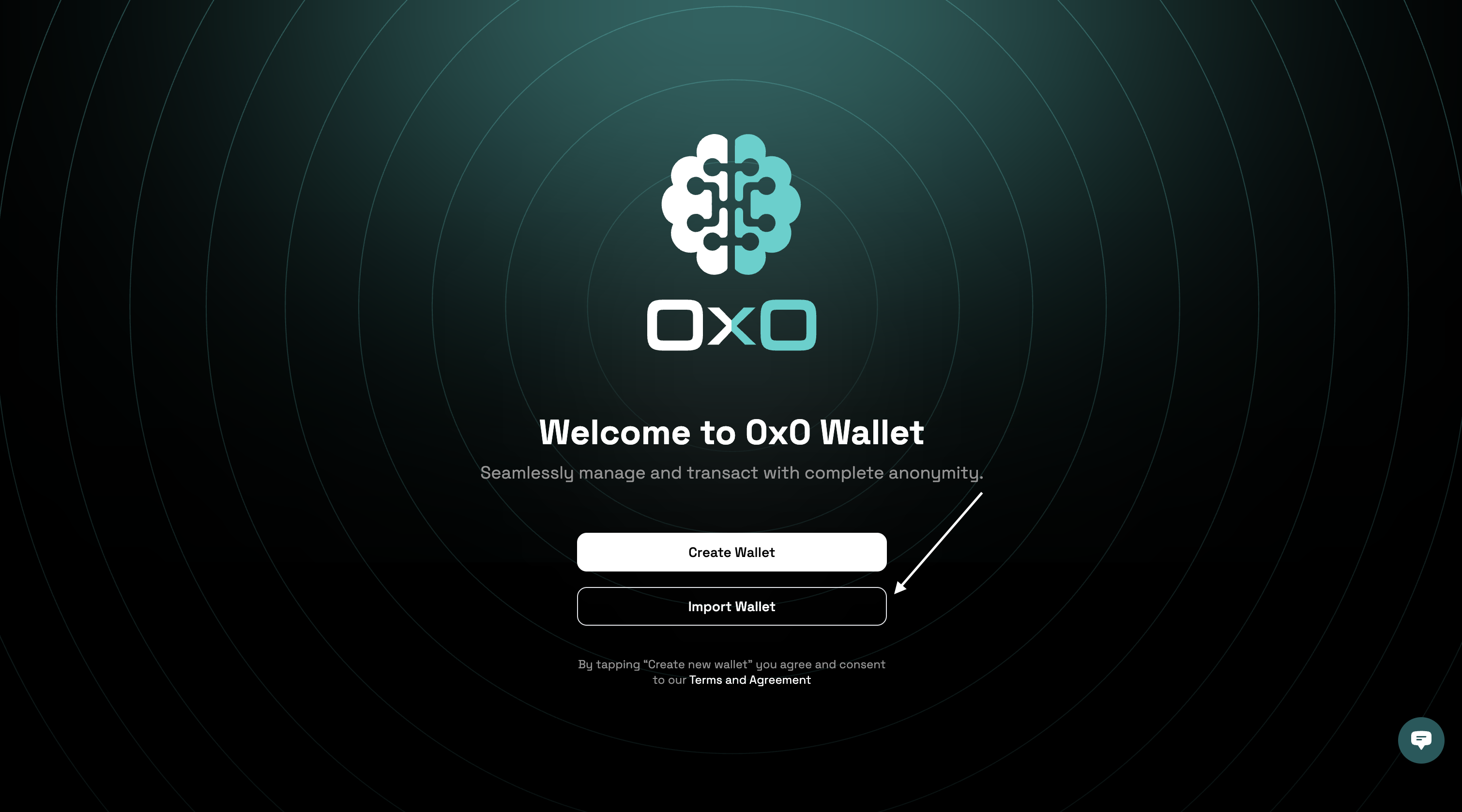
1. Navigate to the [Arcane Wallet](https://wallet.arcane.network/) and click on the "Import Wallet" button.
## Import an existing wallet
1. Navigate to the [Arcane Wallet](https://wallet.arcane.network/) and click on the "Import Wallet" button.
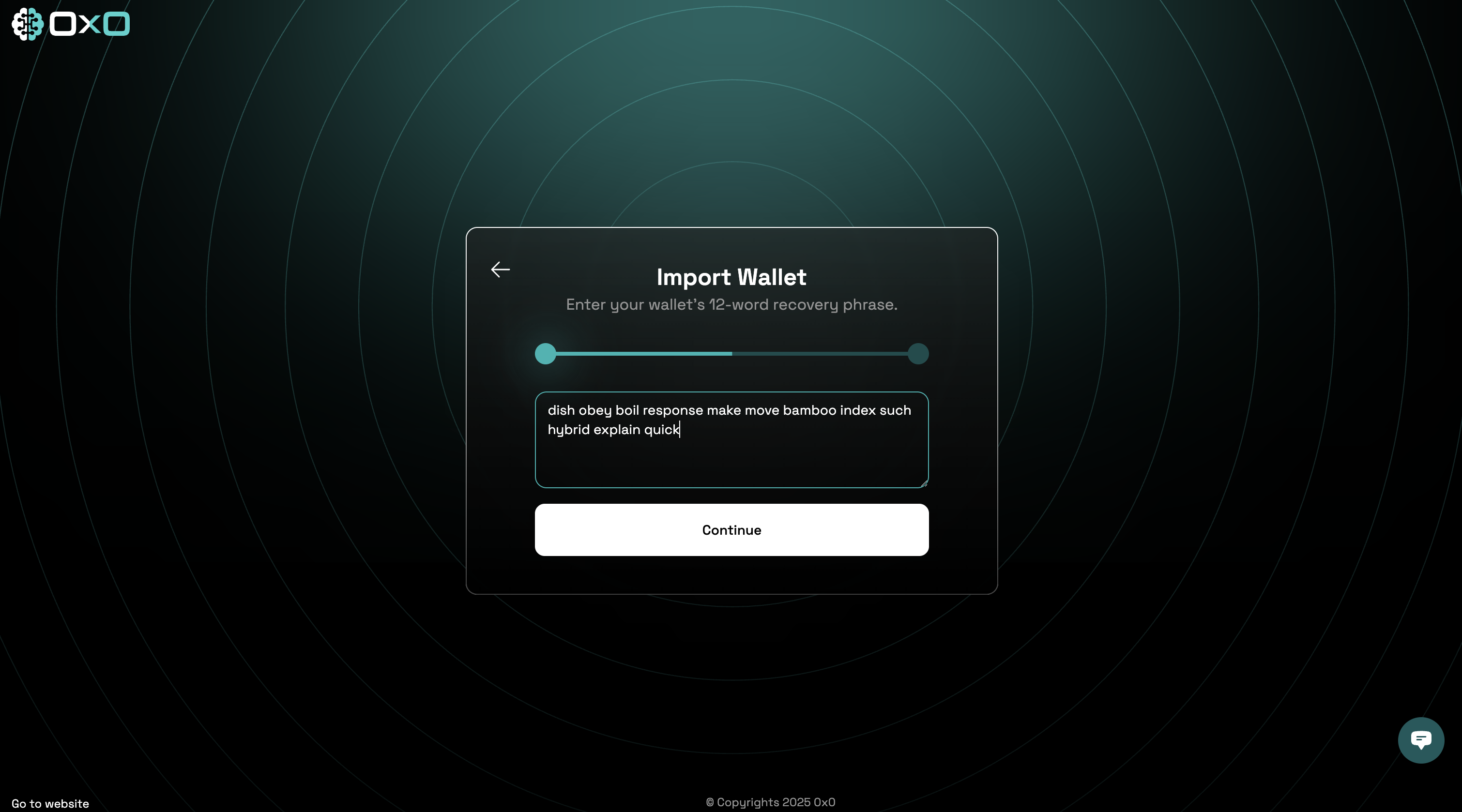
 2. Enter your 12-word recovery phrase and click the **Continue** button to import your wallet.
 3. Enter your password and click the **Save & Continue** button to access your wallet.