> ## Documentation Index
> Fetch the complete documentation index at: https://docs.0x0.exchange/llms.txt
> Use this file to discover all available pages before exploring further.
# Account Setup
Setting up an account on Spectre is permissionless and private. There is no registration form, email requirement, or KYC process.
**Testing Phase Only**: This account setup method (entering private keys) is temporary for the current testing phase. The dedicated **Arcane Wallet Extension**, which handles key management securely without direct exposure, is currently in development.
## Steps
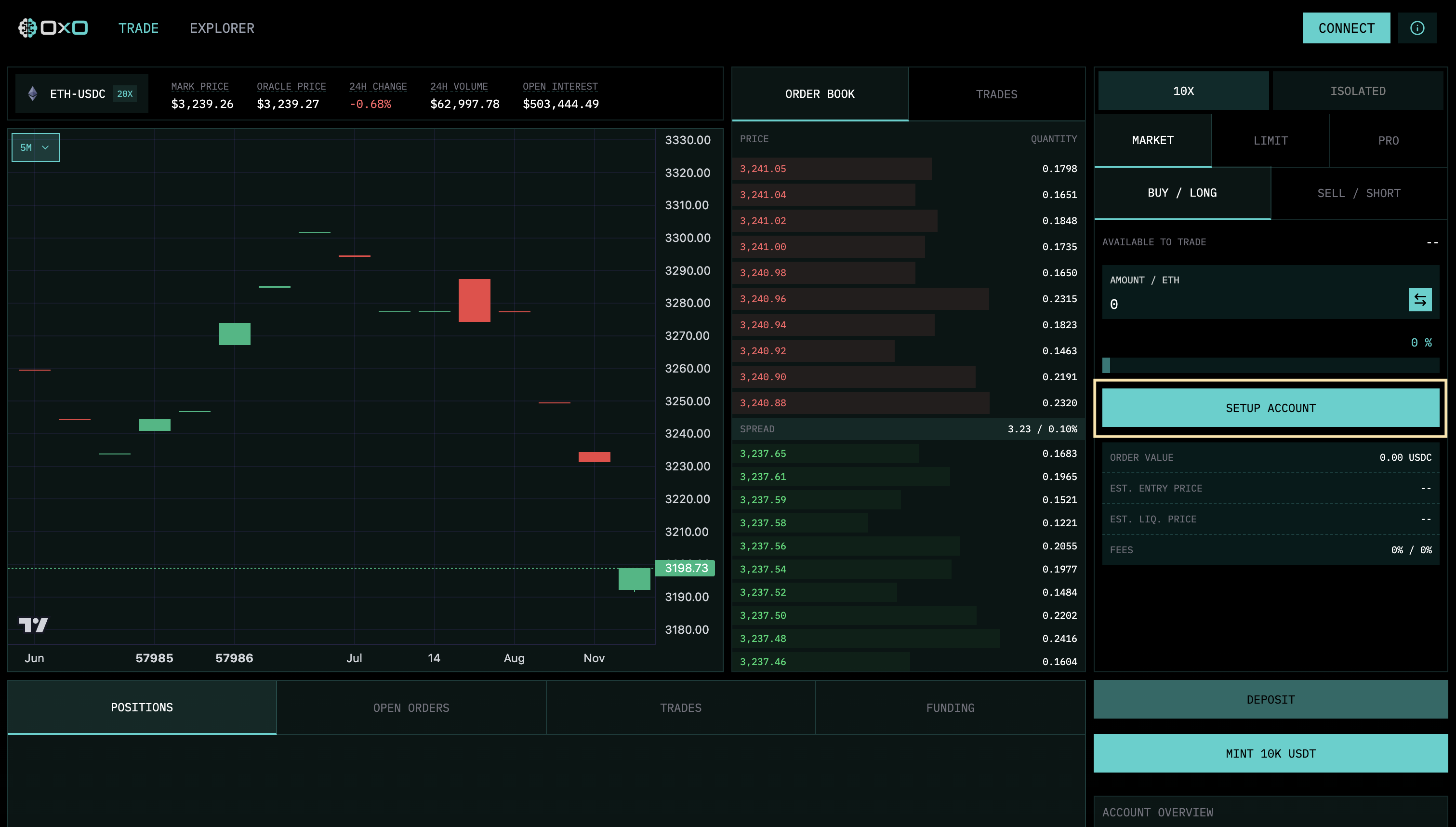
1. **Start Setup**: Click the "Setup Account" button to begin the onboarding process.
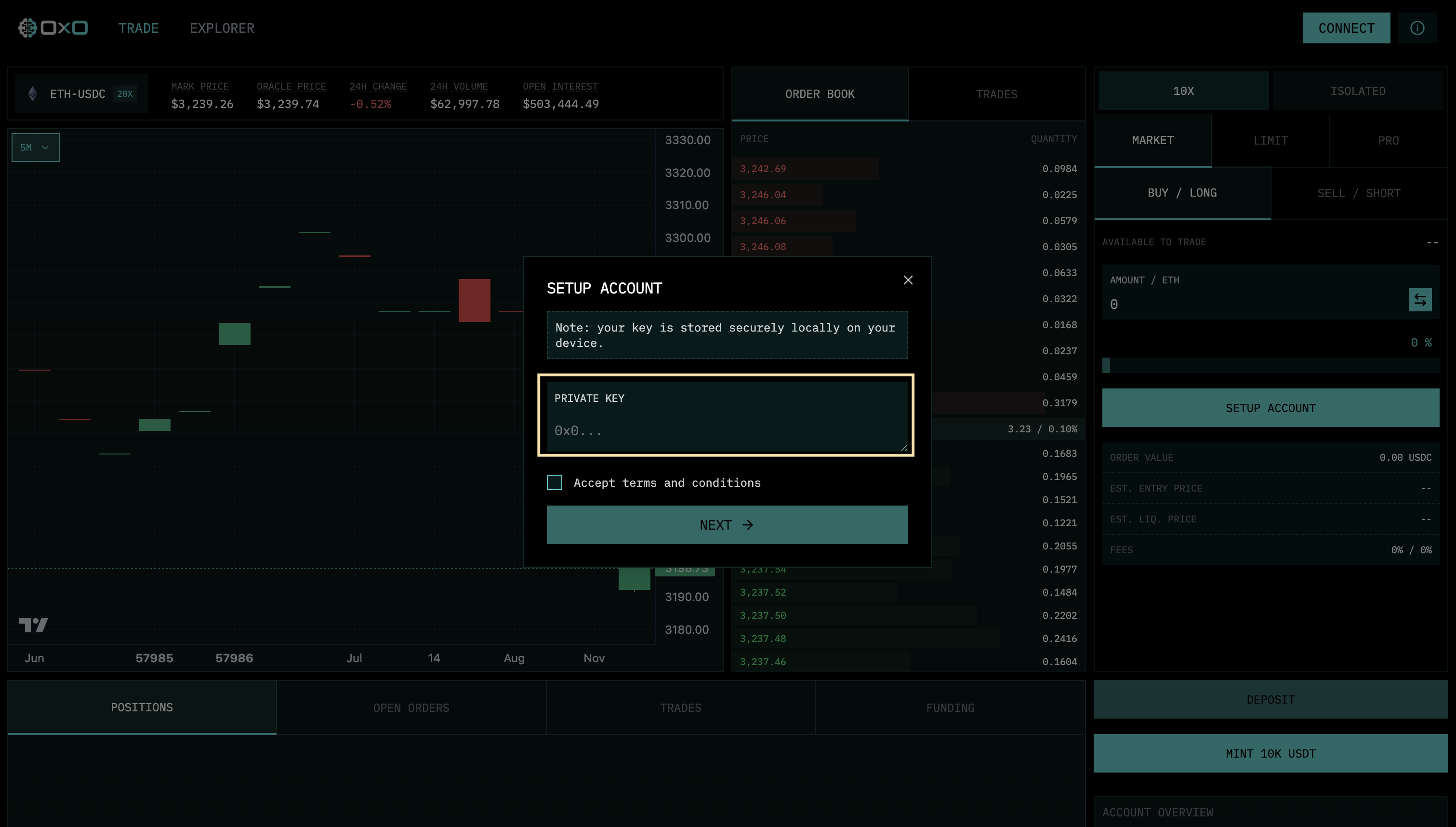
 2. **Authenticate**: Enter your Private Key. This is used strictly locally to derive your unique stealth identity.
 3. **Complete**: Once authenticated, your account is ready. Click "Complete" to access the exchange.
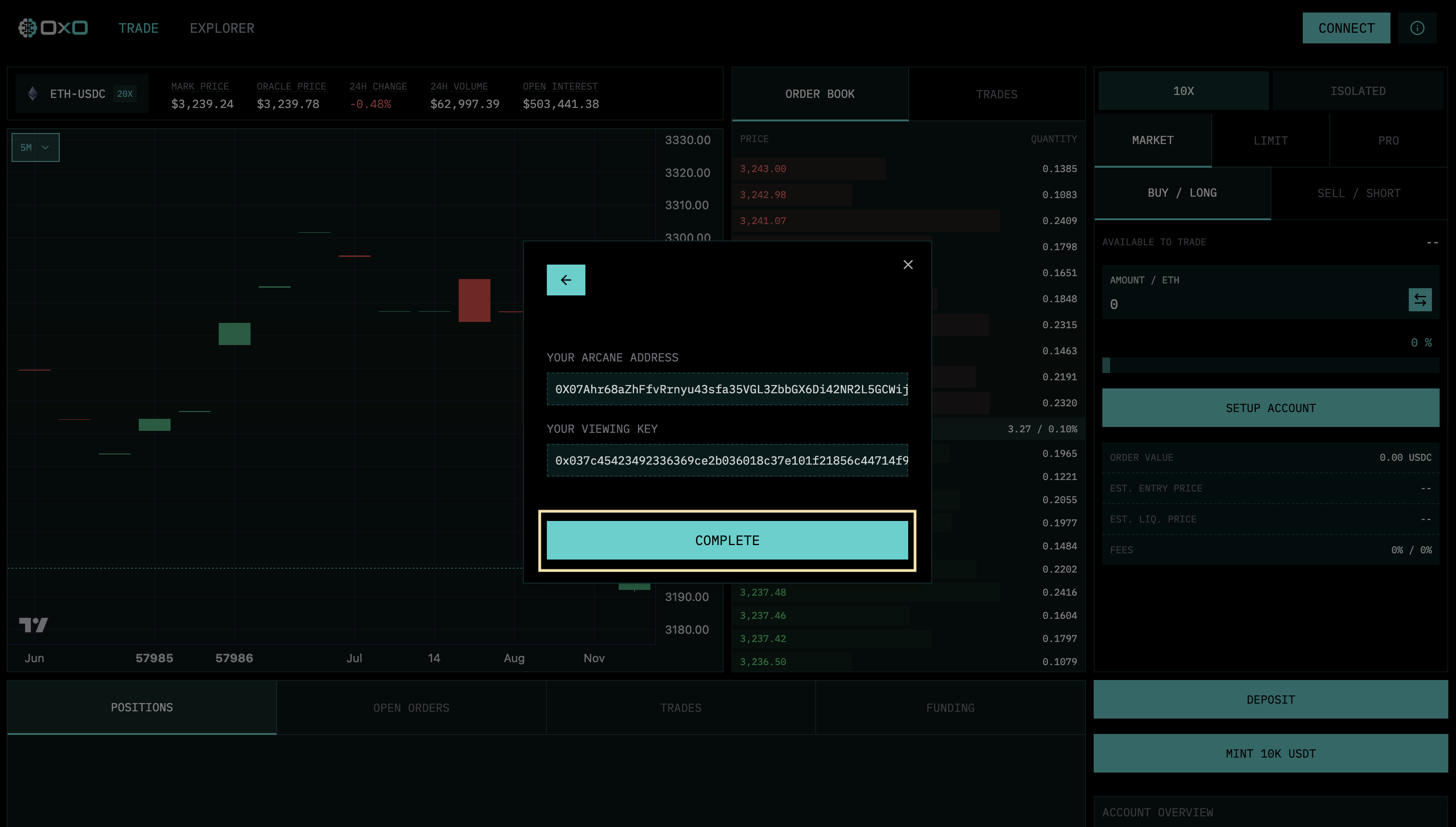 Your "Account" is essentially a cryptographic identity derived from your key, existing only in memory and on the orderbook, with no on-chain link to your real-world identity.