Setting up an account on Spectre is permissionless and private. There is no registration form, email requirement, or KYC process.
Testing Phase Only: This account setup method (entering private keys) is temporary for the current testing phase. The dedicated Arcane Wallet Extension, which handles key management securely without direct exposure, is currently in development.

Steps

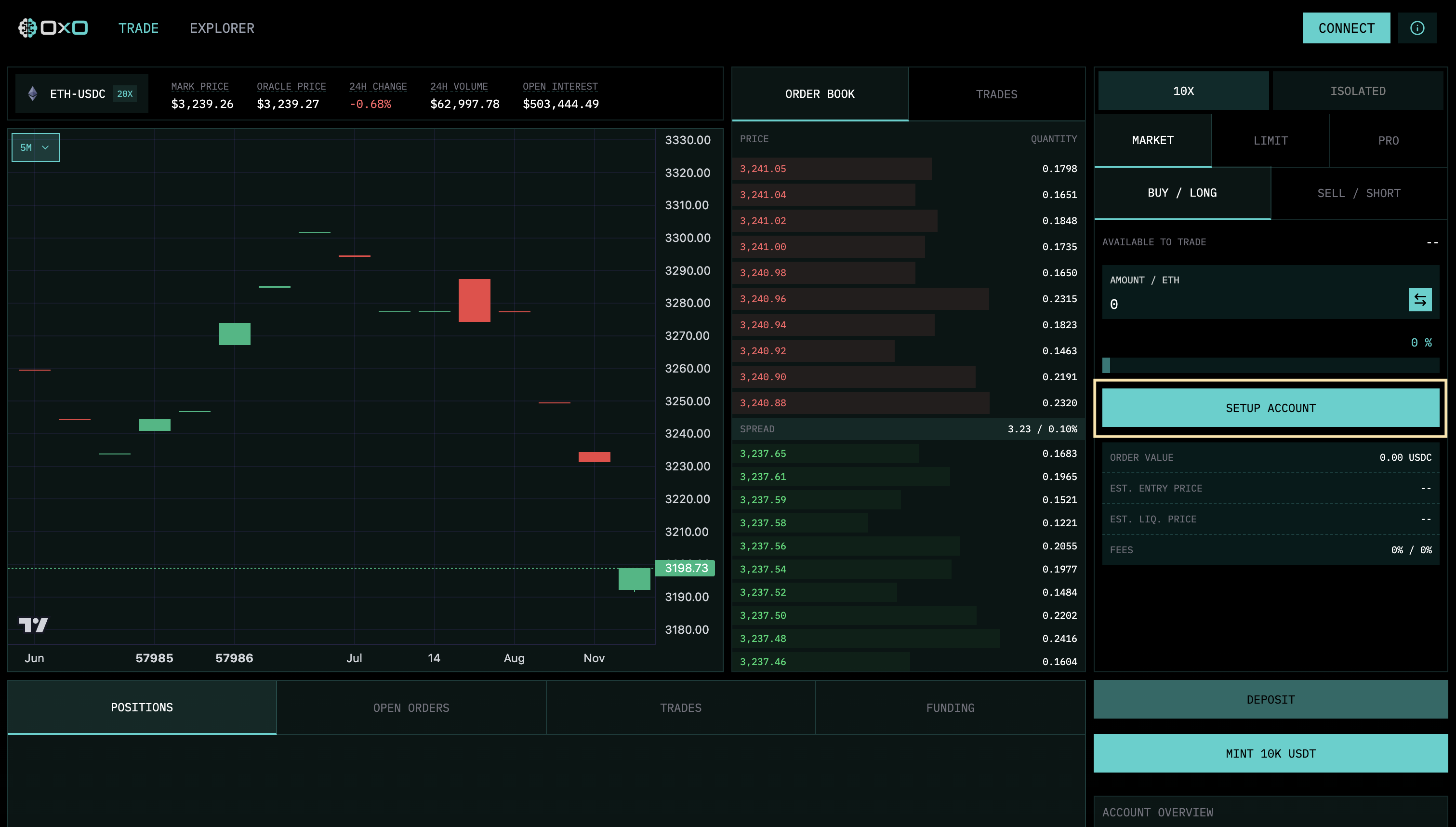
  1. Start Setup: Click the “Setup Account” button to begin the onboarding process. Click Setup
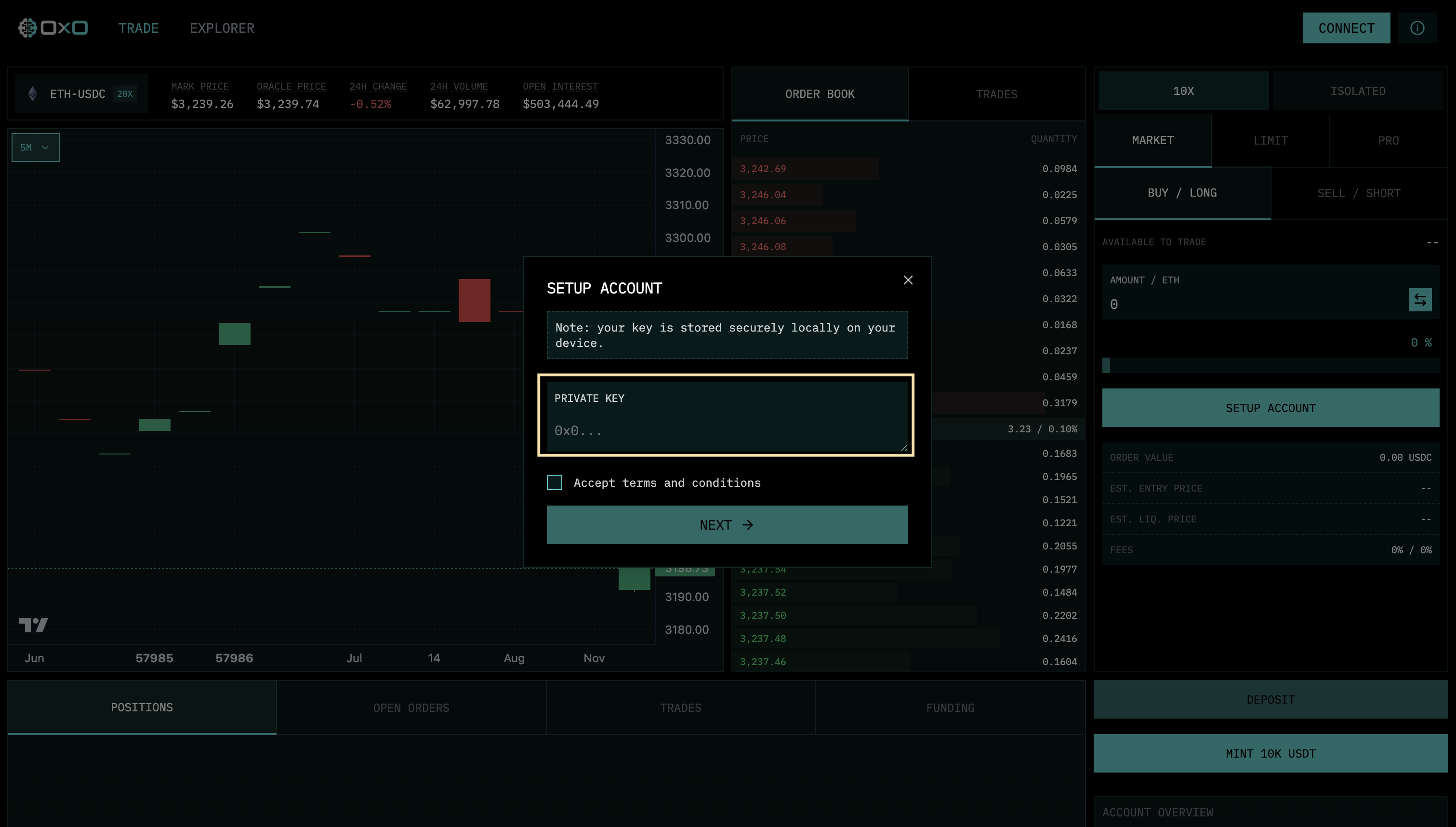
  2. Authenticate: Enter your Private Key. This is used strictly locally to derive your unique stealth identity. Enter Private Key
  3. Complete: Once authenticated, your account is ready. Click “Complete” to access the exchange. Complete Setup
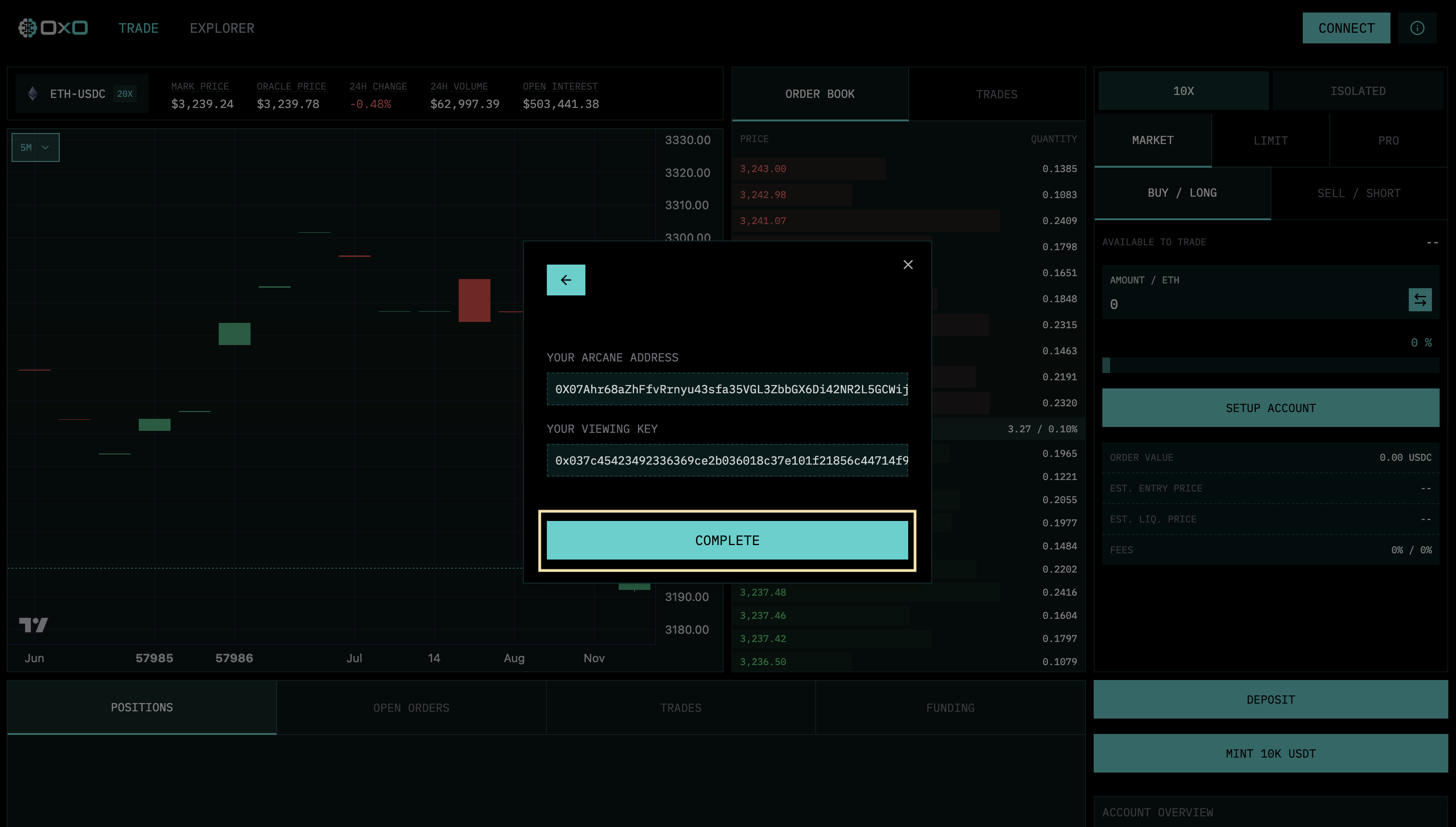
Your “Account” is essentially a cryptographic identity derived from your key, existing only in memory and on the orderbook, with no on-chain link to your real-world identity.