Steps
-
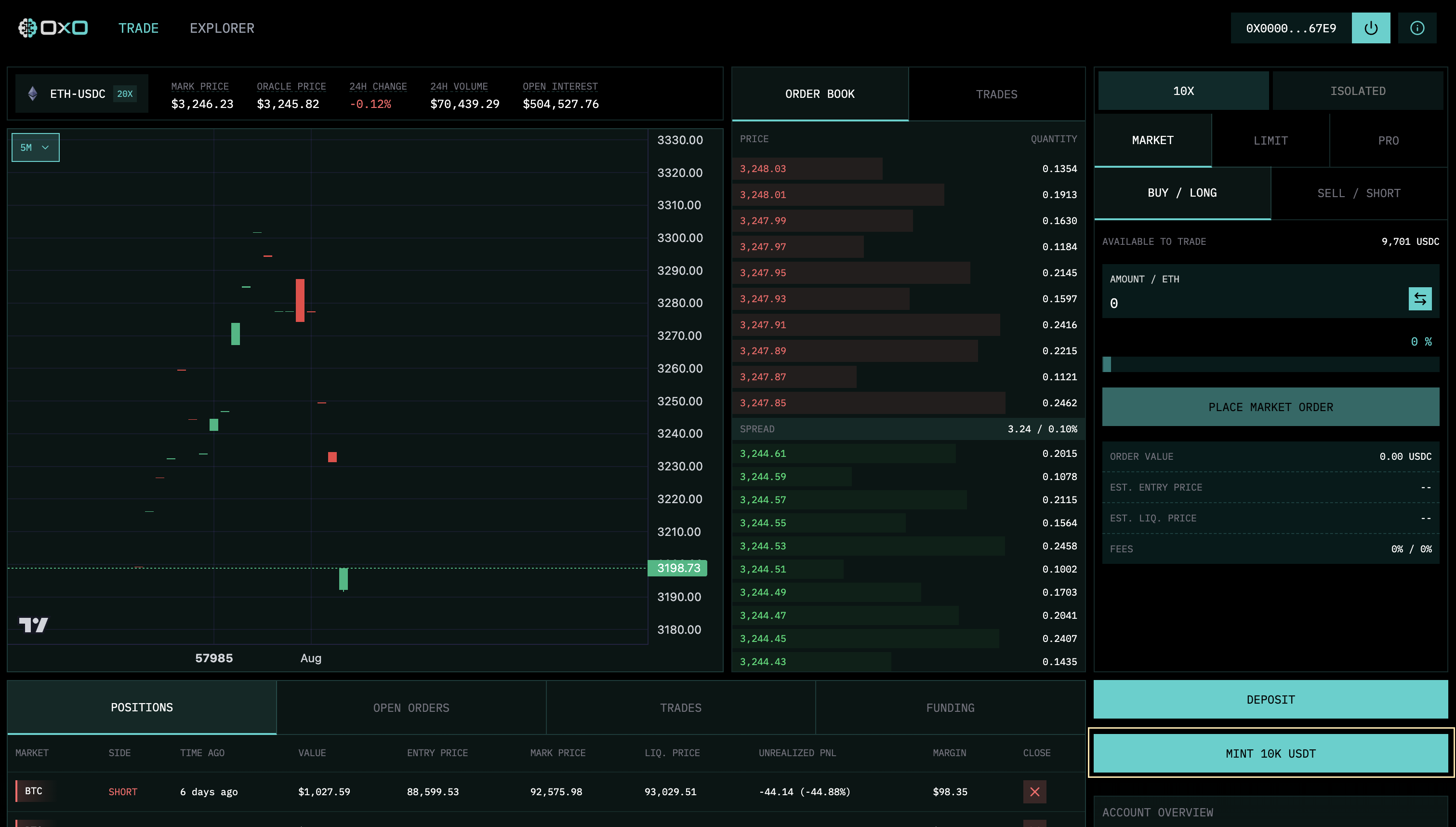
Mint Testnet USDC: First, ensure you have USDC for testing. Click “Mint USDC”.
-
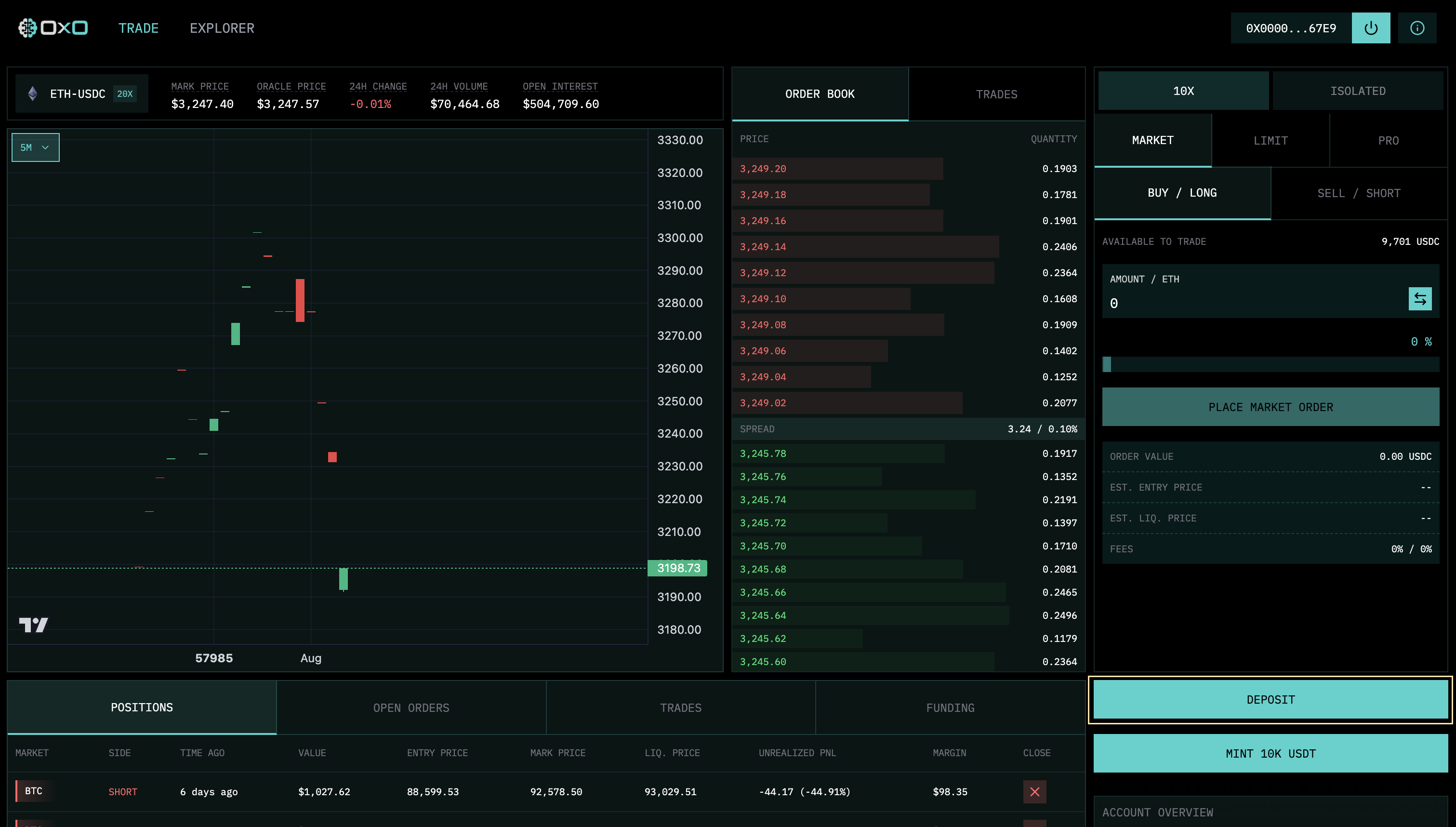
Initiate Deposit: Click the “Deposit” button to open the funding modal.
-
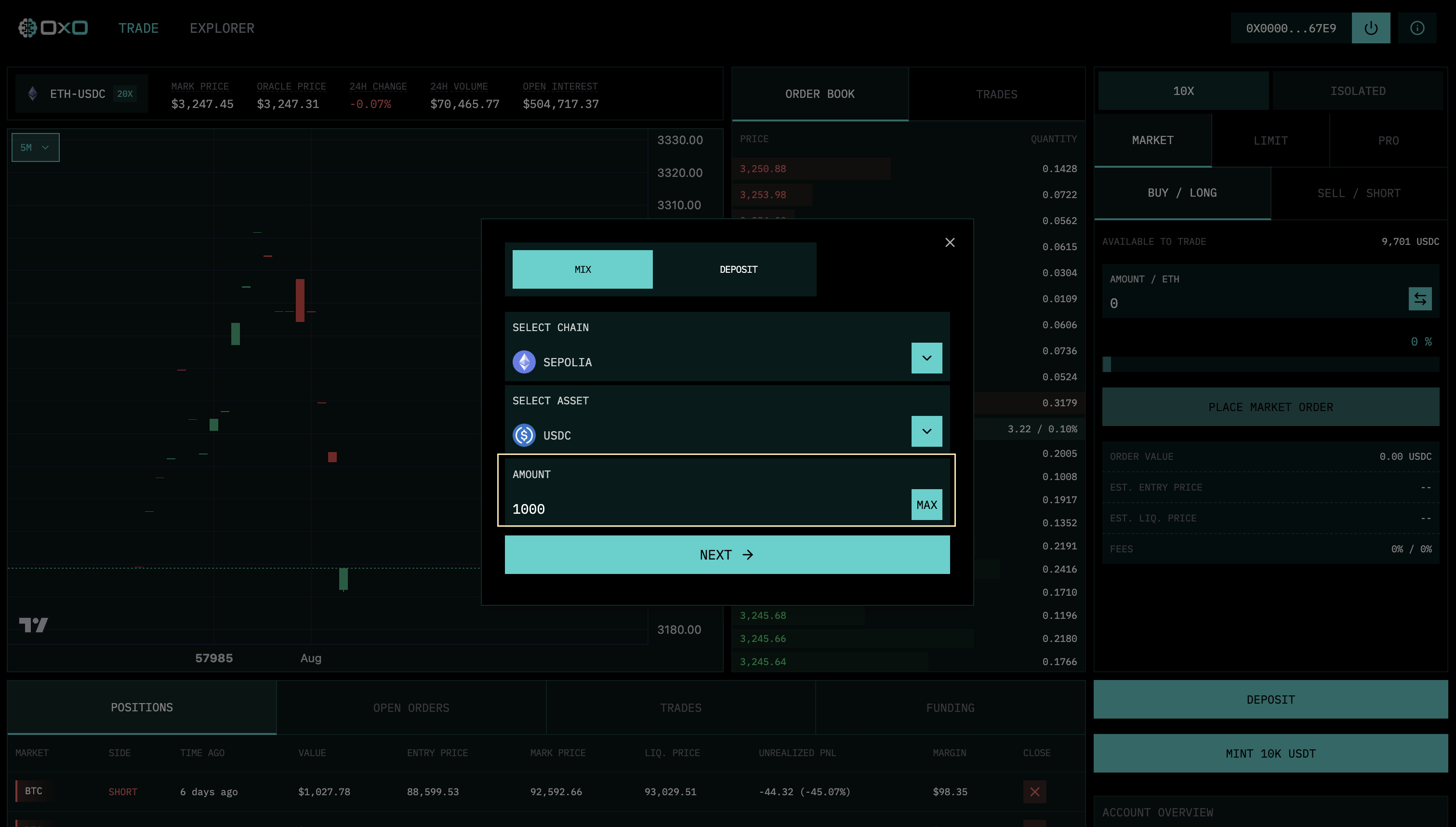
Enter Amount: Input the amount of USDC you wish to deposit and click “Next”.
-
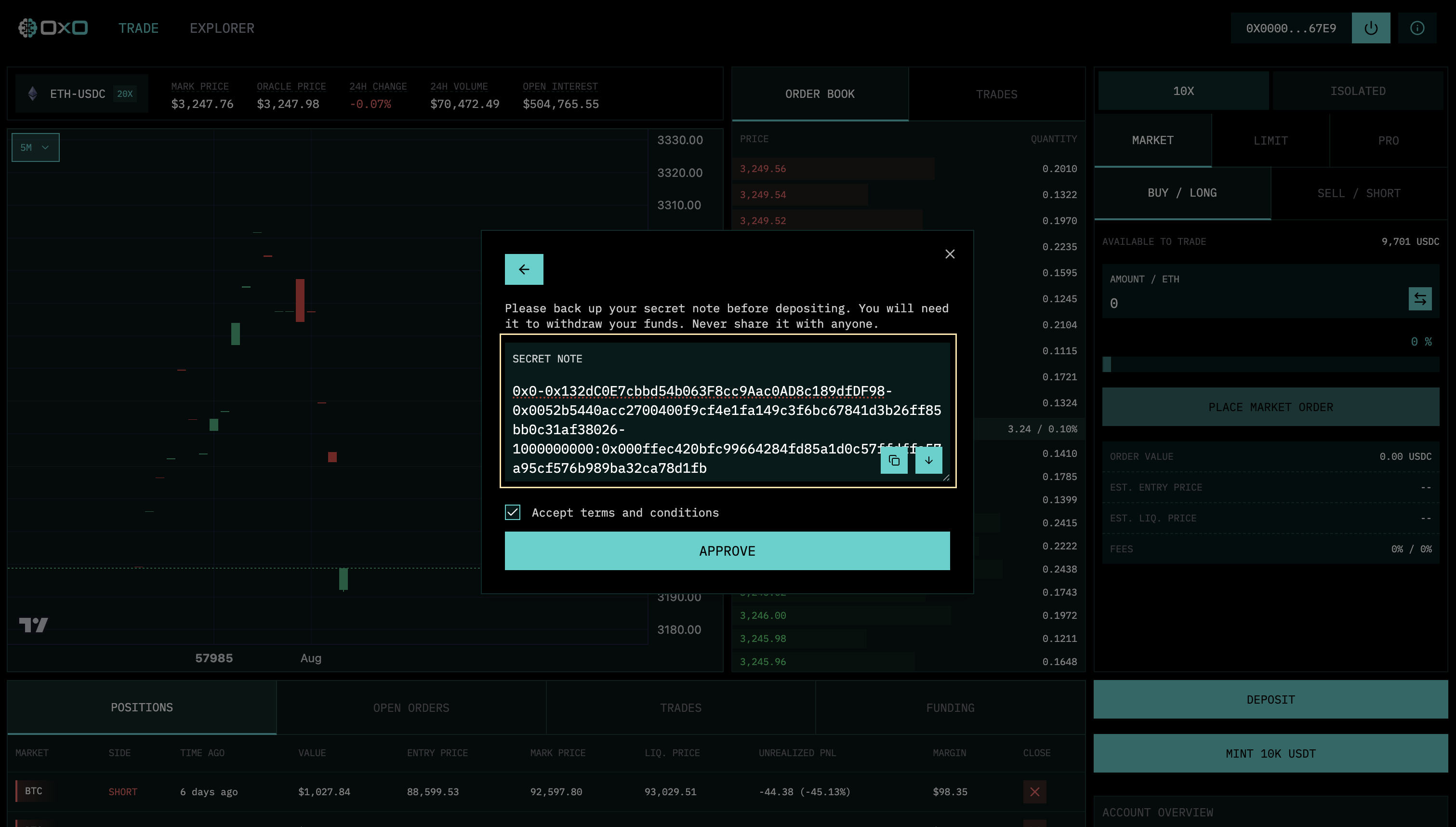
Save Your Note: The system will generate a cryptographic “Note”. You must save this. It is your only claim to these funds.
-
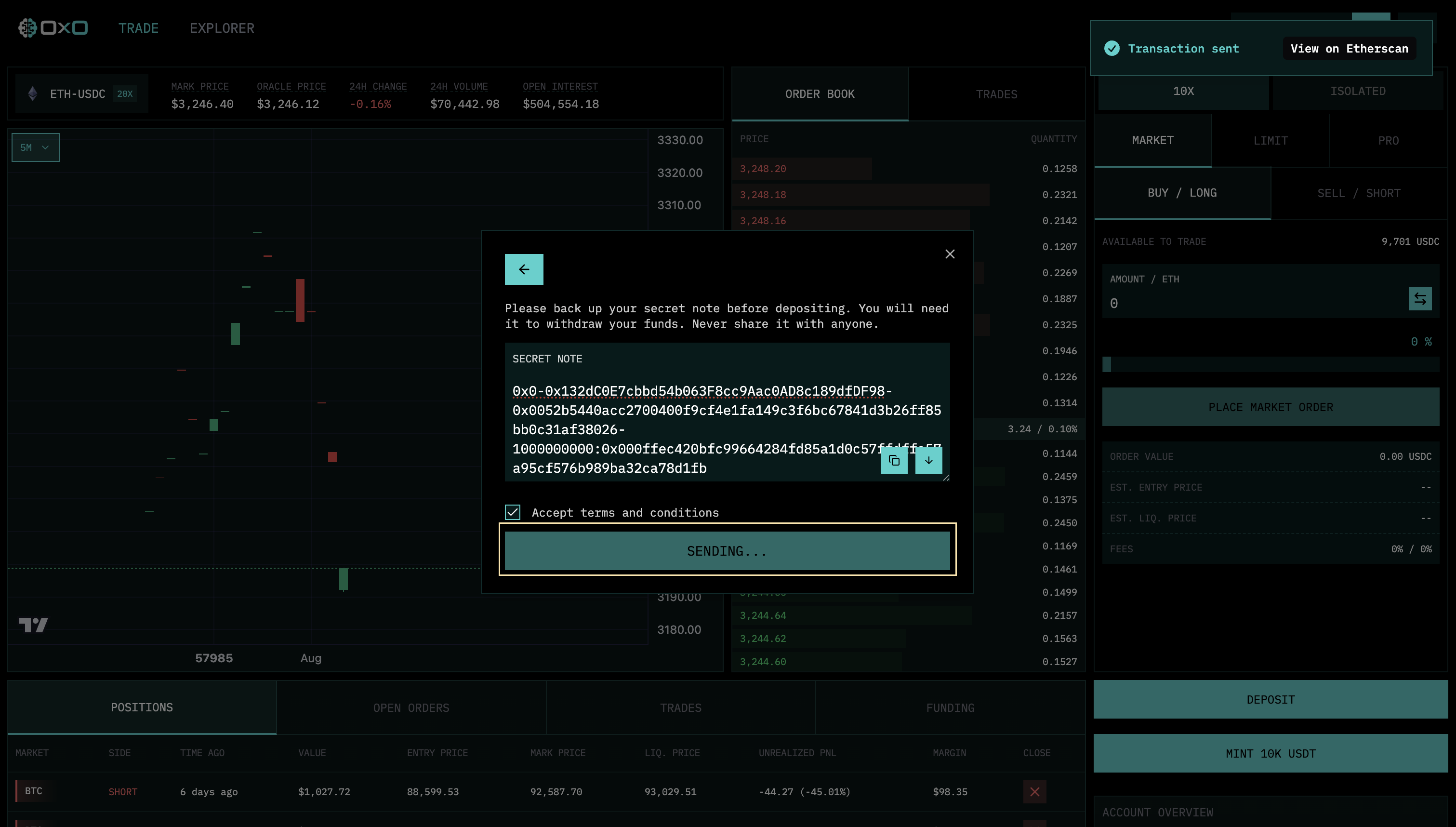
Approve & Send: Approve the token spend and confirm the transaction in your wallet.
-
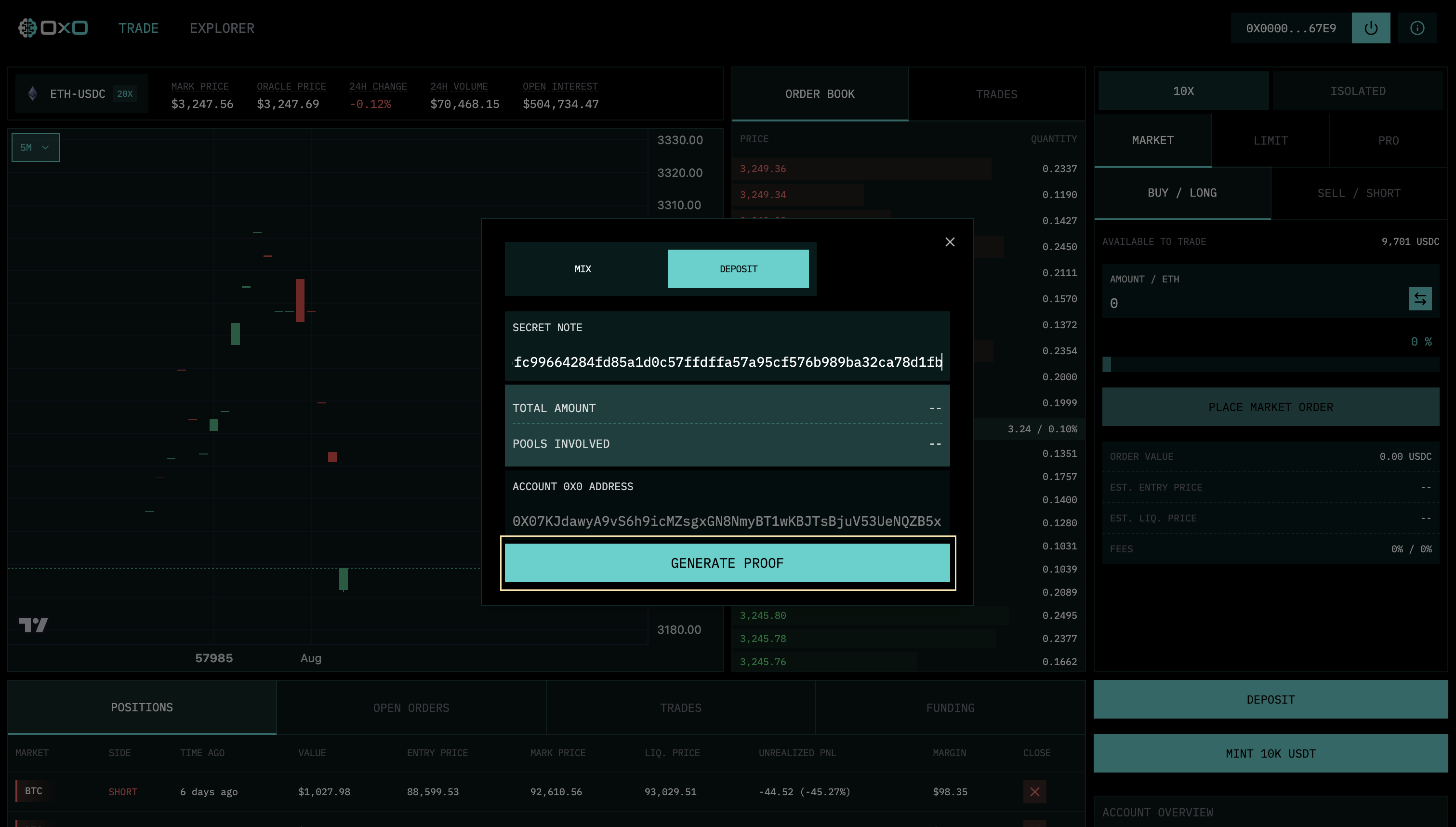
Generate Proof: After a brief wait for the mix, use your Note to generate the zero-knowledge proof required to fund your account.
-
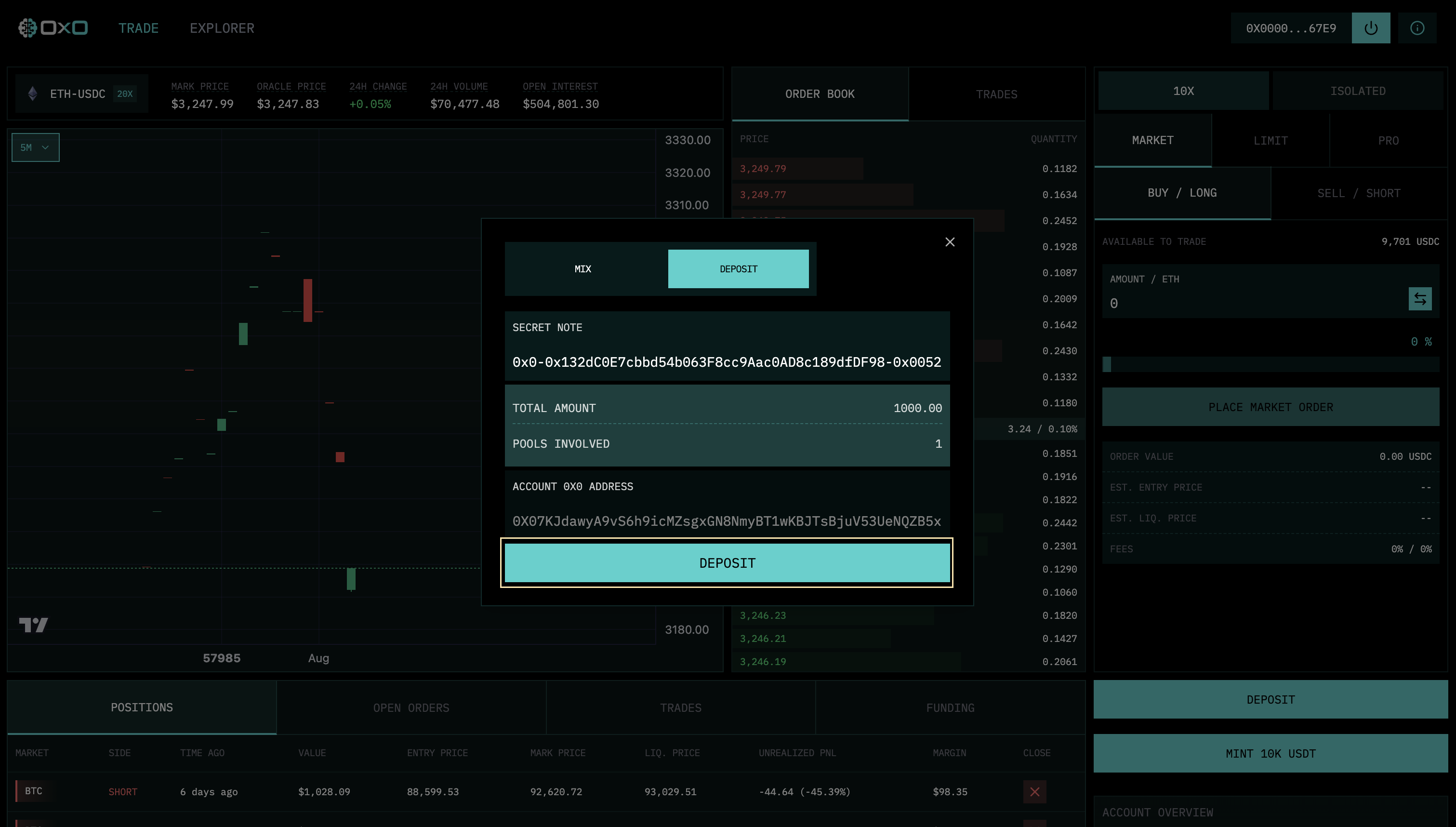
Confirm Funding: Once the proof is ready, click the final button to credit your exchange account.
-
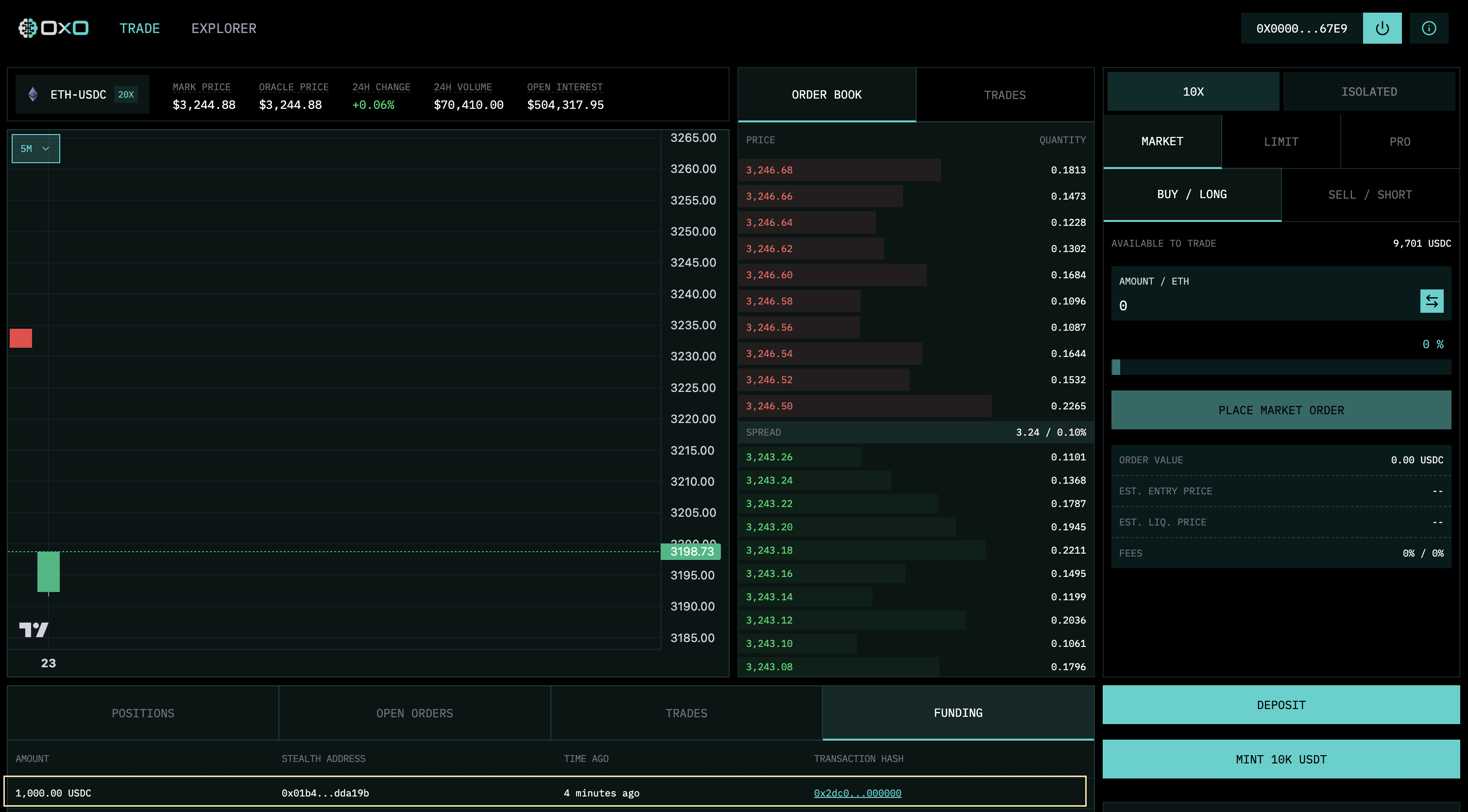
Ready to Trade: Within a few minutes, your funds will appear in your Available Margin.