Only shielded assets can be sent, received, or swapped privately. After setting up your wallet, ensure your public address holds some assets (e.g., ETH and ERC-20 tokens), as the first step is to shield these public assets. This is the only public transaction you’ll need to perform, and it requires a small amount of ETH in your public address to cover the gas fees.Documentation Index
Fetch the complete documentation index at: https://docs.0x0.exchange/llms.txt
Use this file to discover all available pages before exploring further.
How to Shield Assets
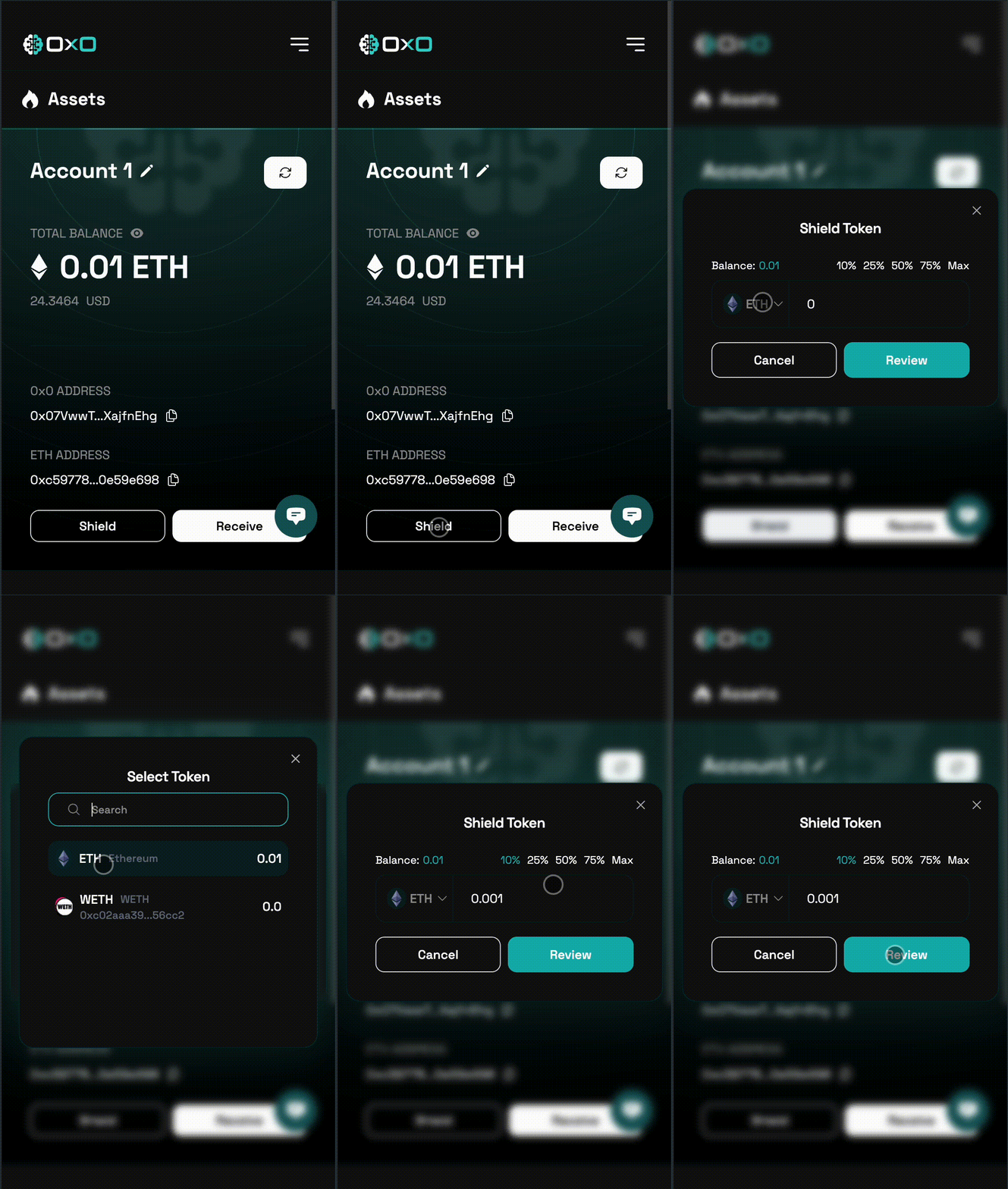
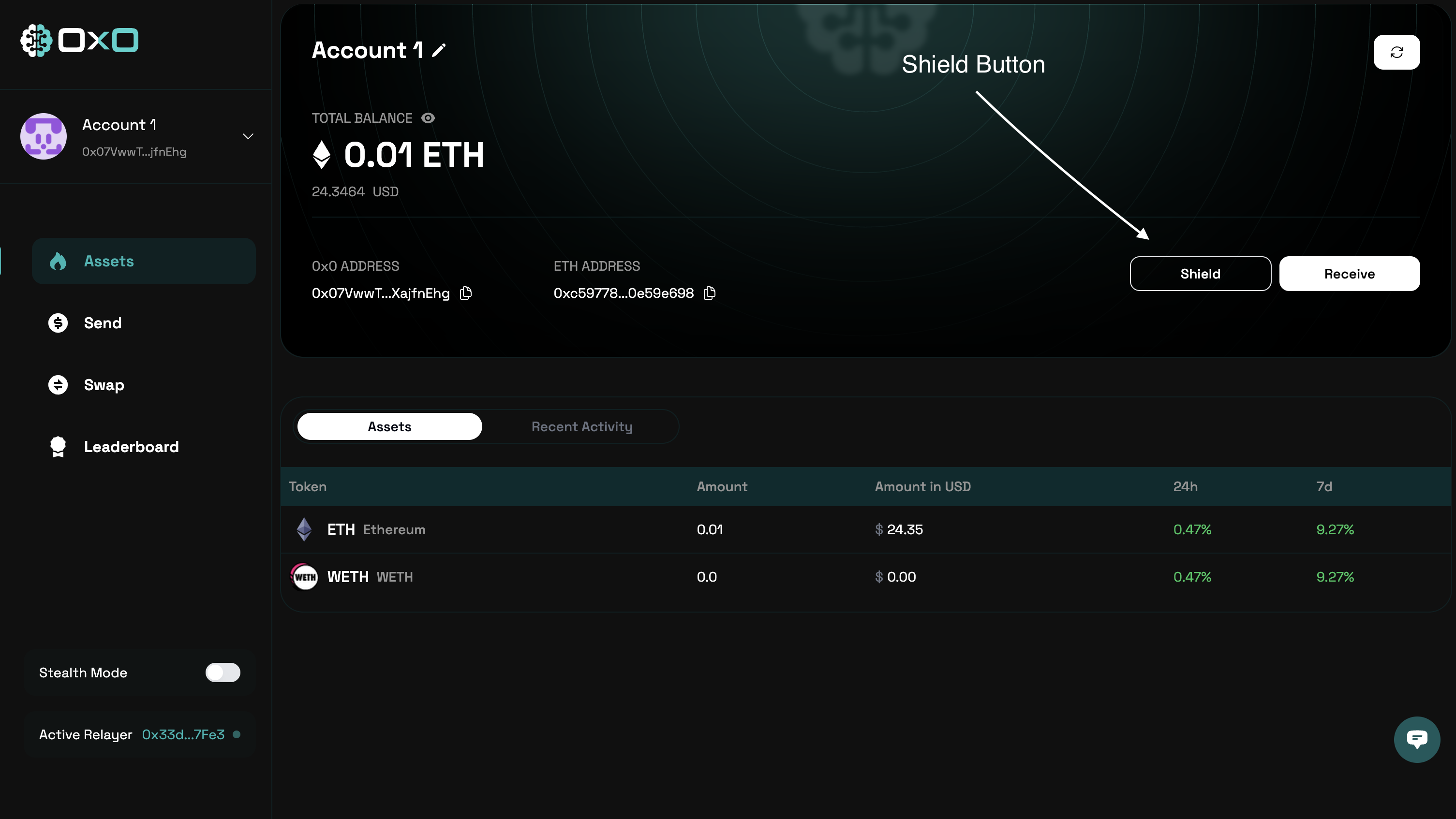
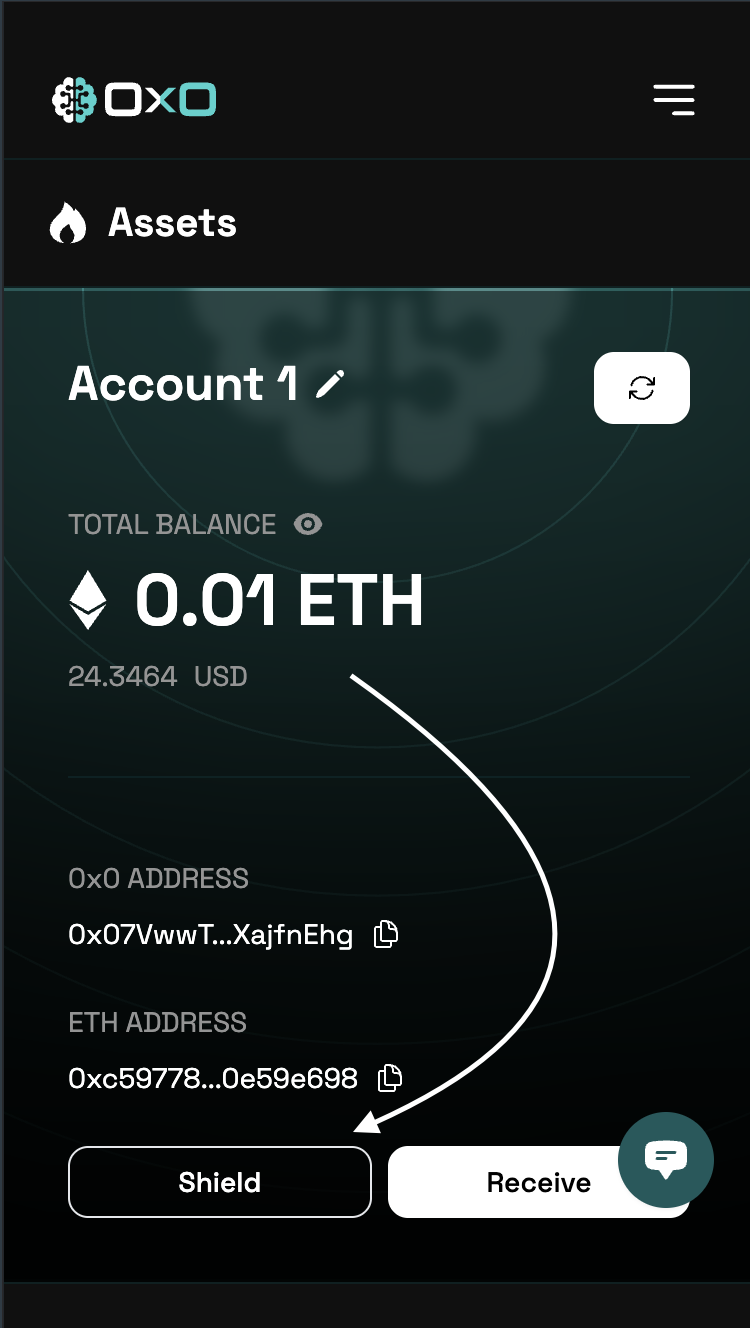
- Navigate to the Arcane Wallet and click the ‘Shield’ button to begin shielding your assets.
- Desktop
- Mobile
- Select the assets you wish to shield.
- Desktop
- Mobile
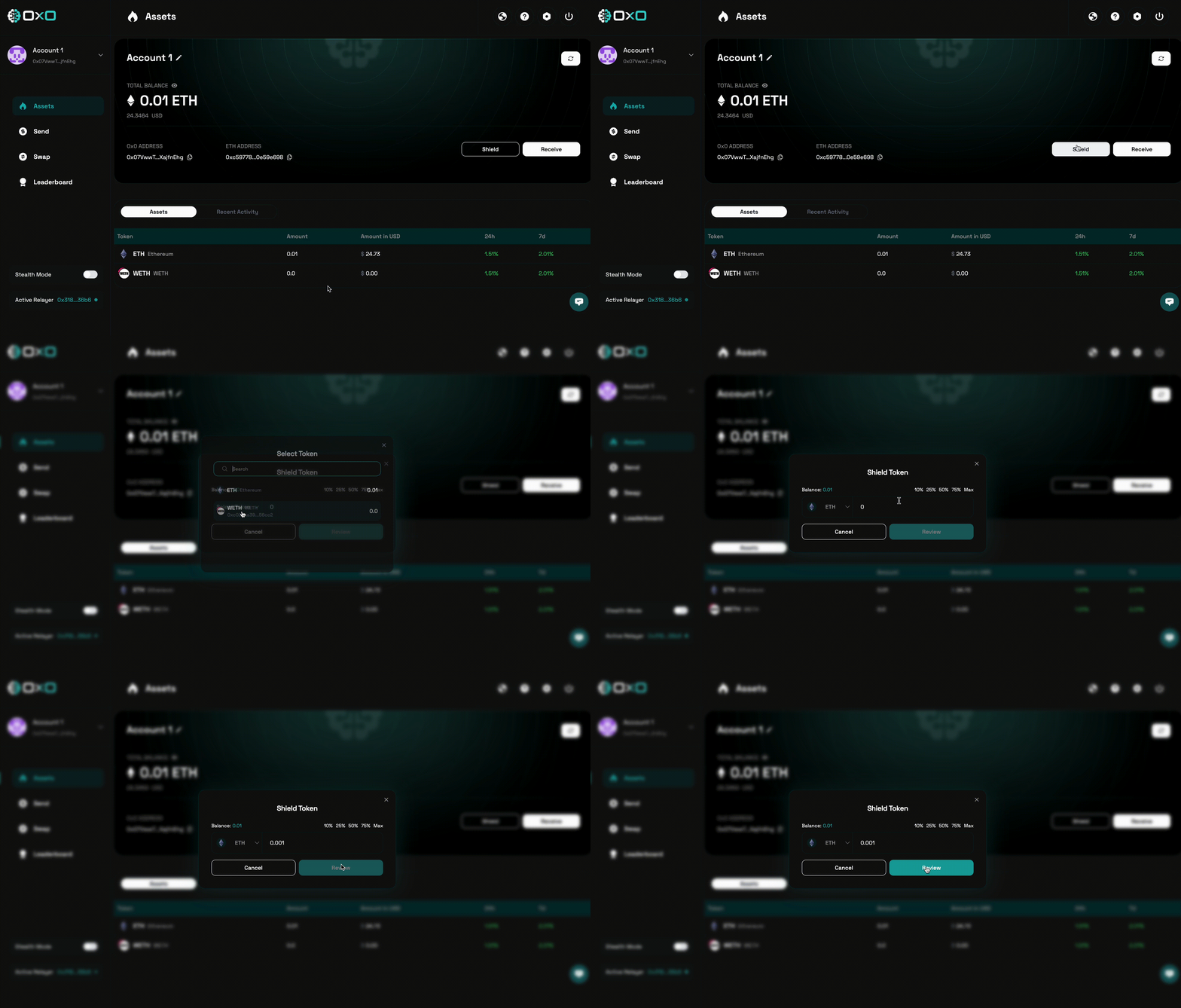
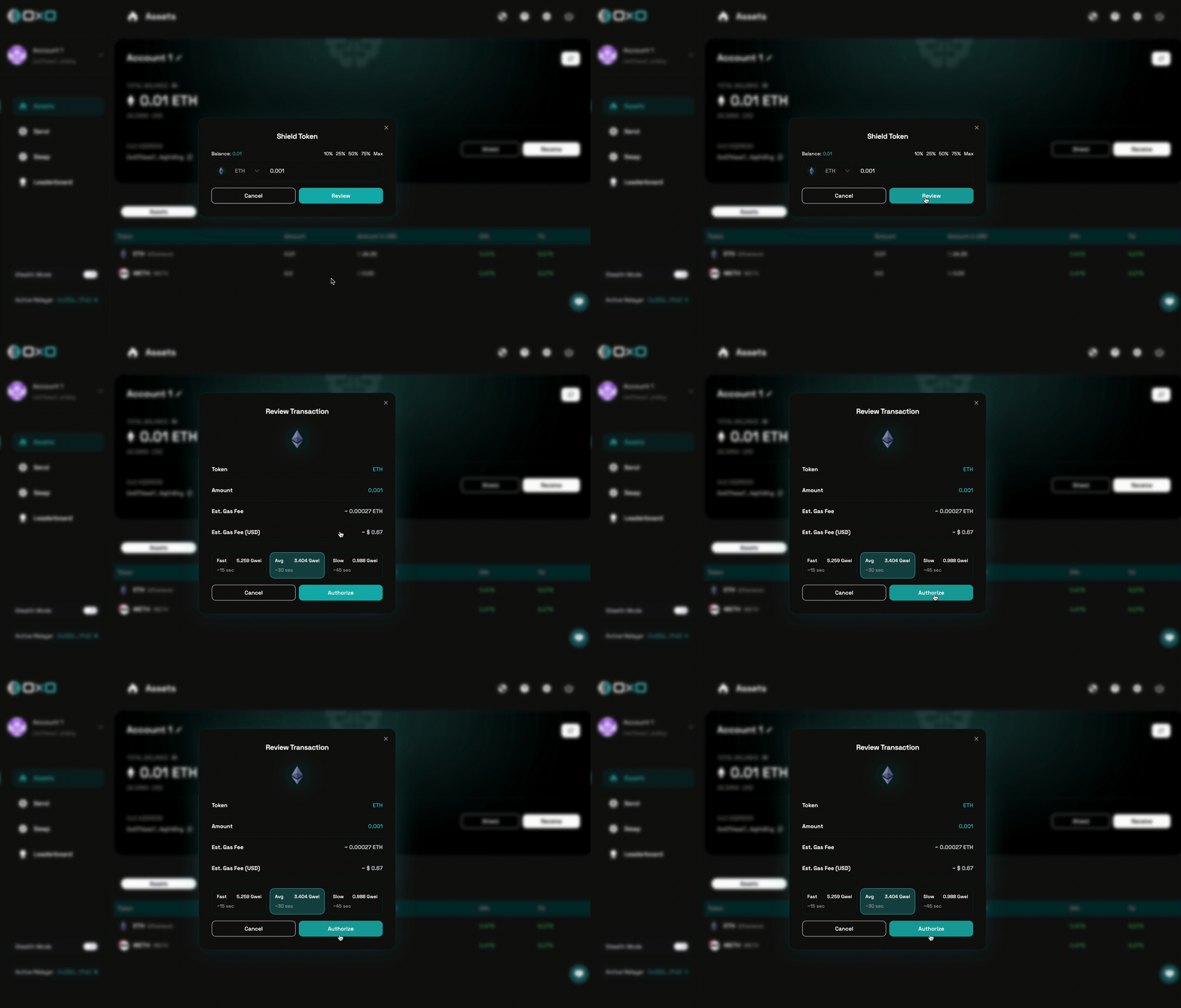
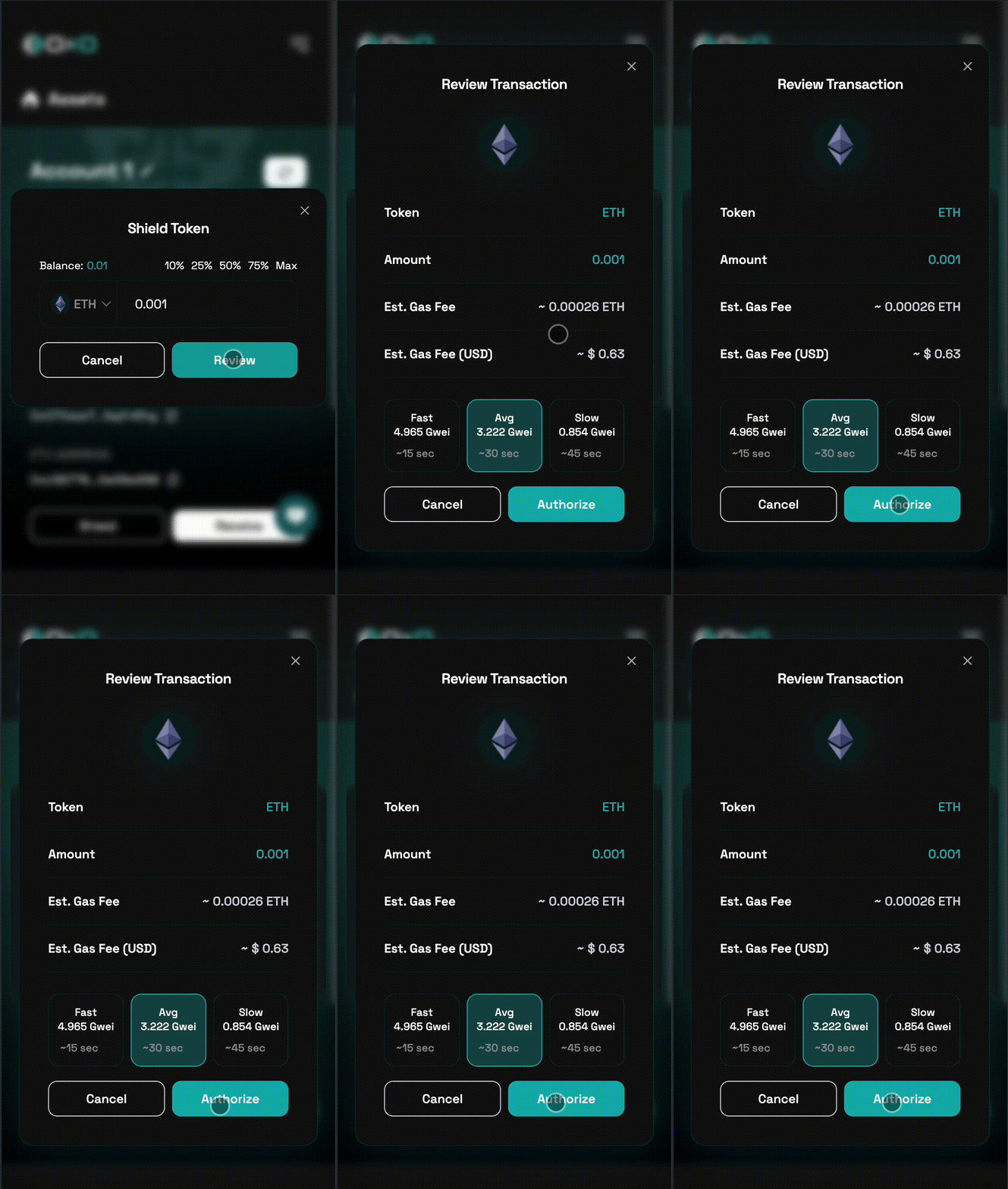
- Click the ‘Review’ button to confirm the details, then authorize the transaction to proceed.
If you haven’t approved the transfer of the ERC-20 tokens yet, this button may display Approve instead of Review. Click Approve and confirm the transaction in your wallet to grant permission for the transfer.
- Desktop
- Mobile