Swap
- Navigate to the Arcane Wallet and go to the ‘Swap’ tab.
- Desktop
- Mobile
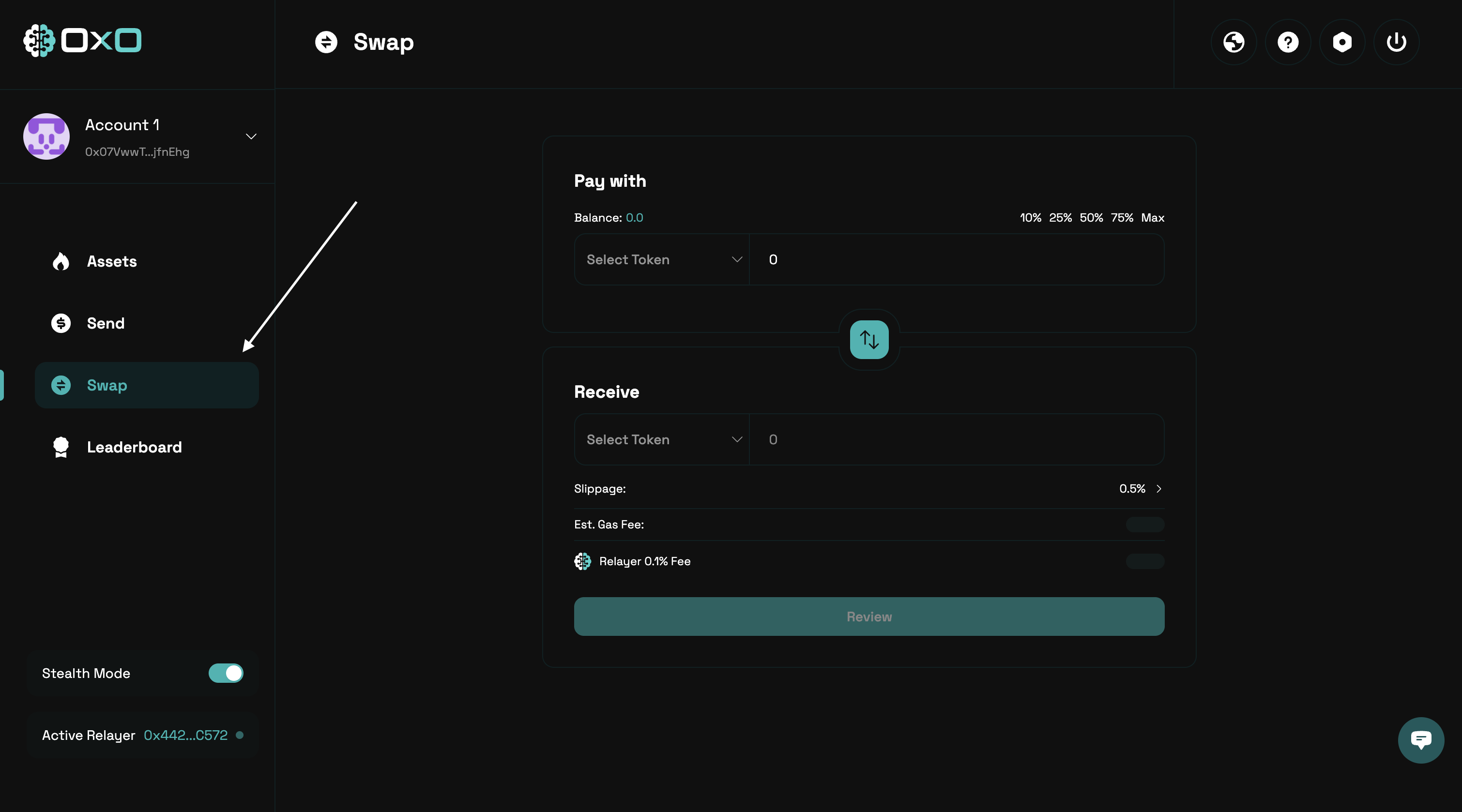
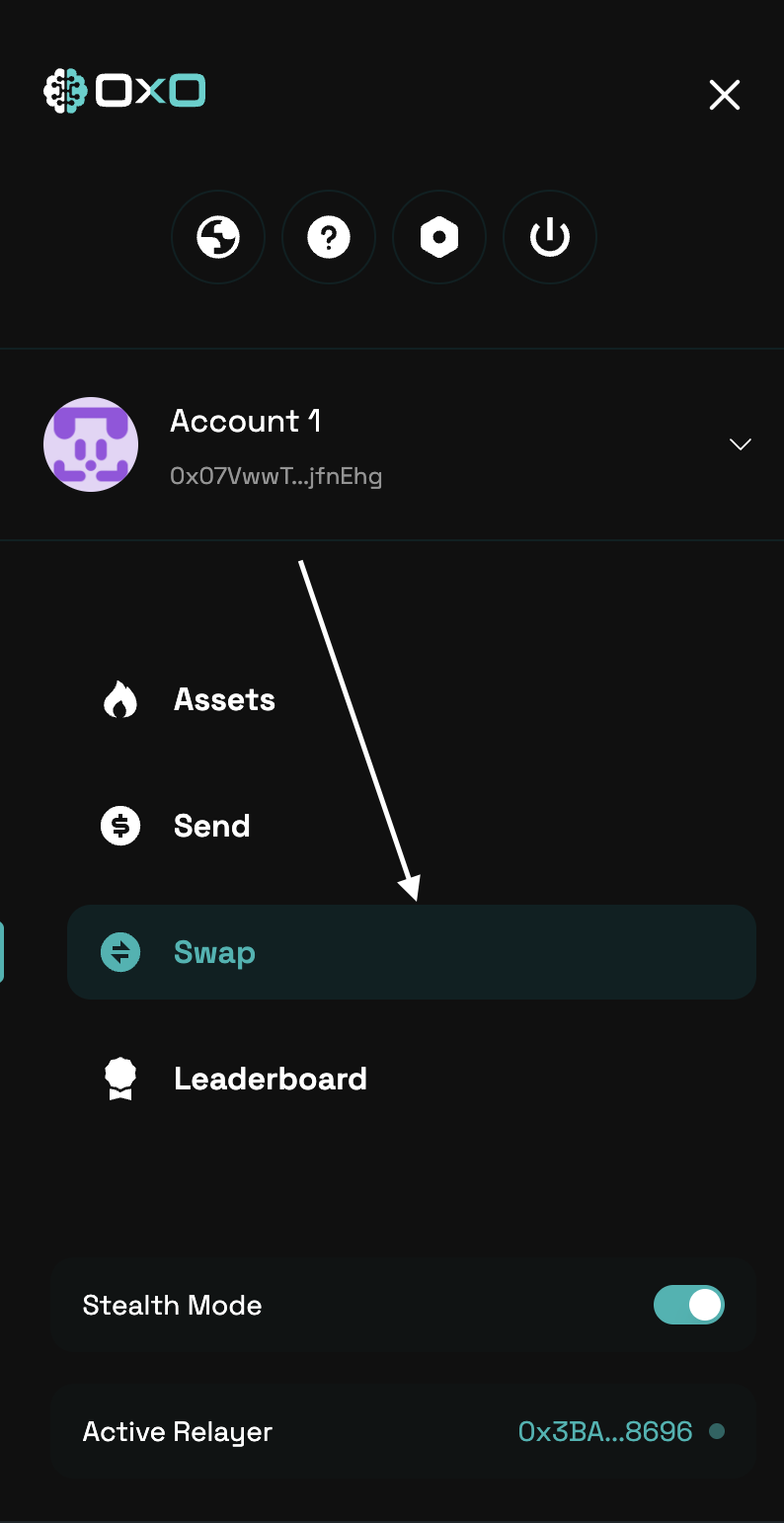
- Ensure that Stealth Mode is enabled before proceeding.
- Desktop
- Mobile
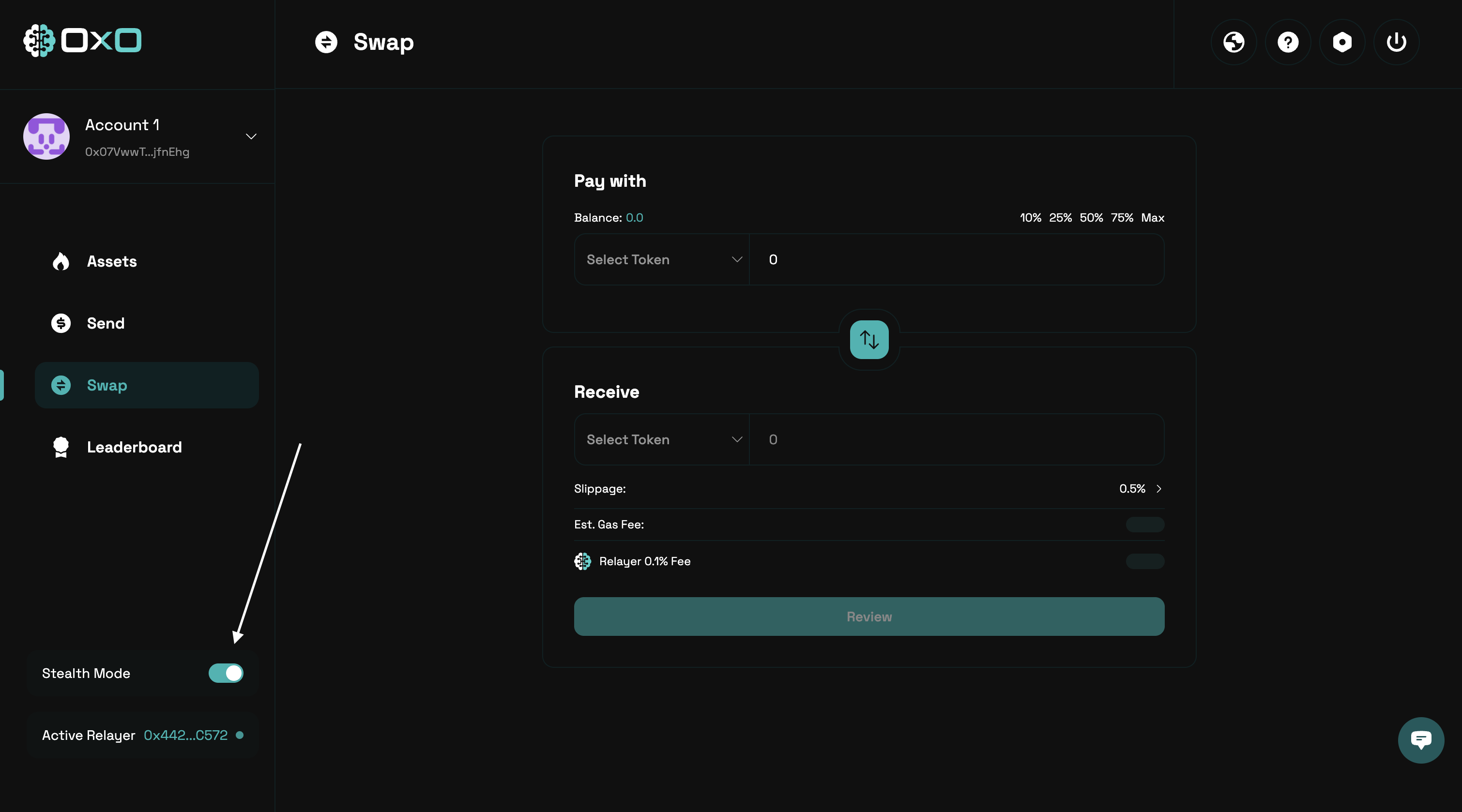
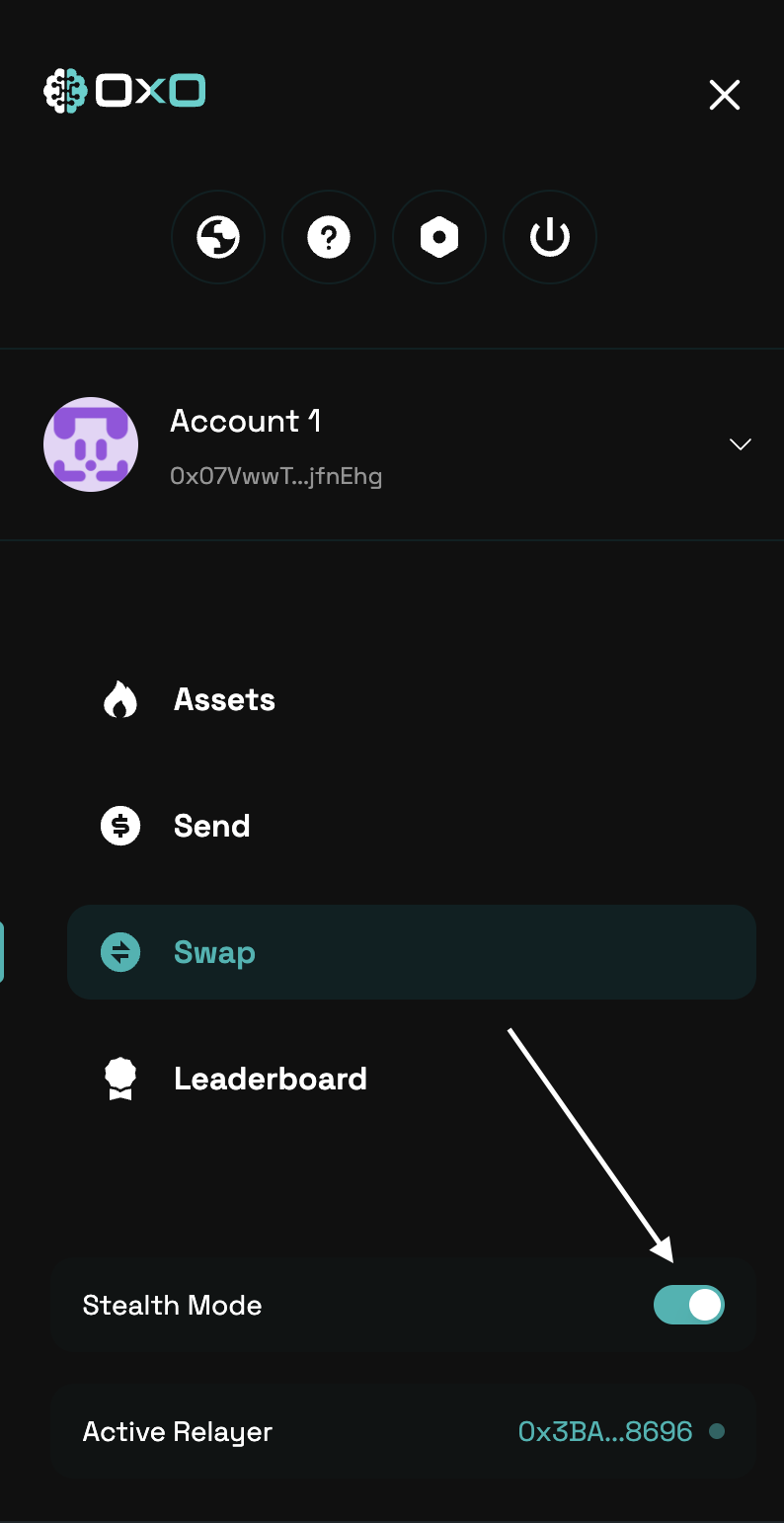
- Select the assets you want to swap from and to, then enter the amount you wish to swap. Be sure to review the estimated slippage and any associated fees before proceeding.
- Desktop
- Mobile
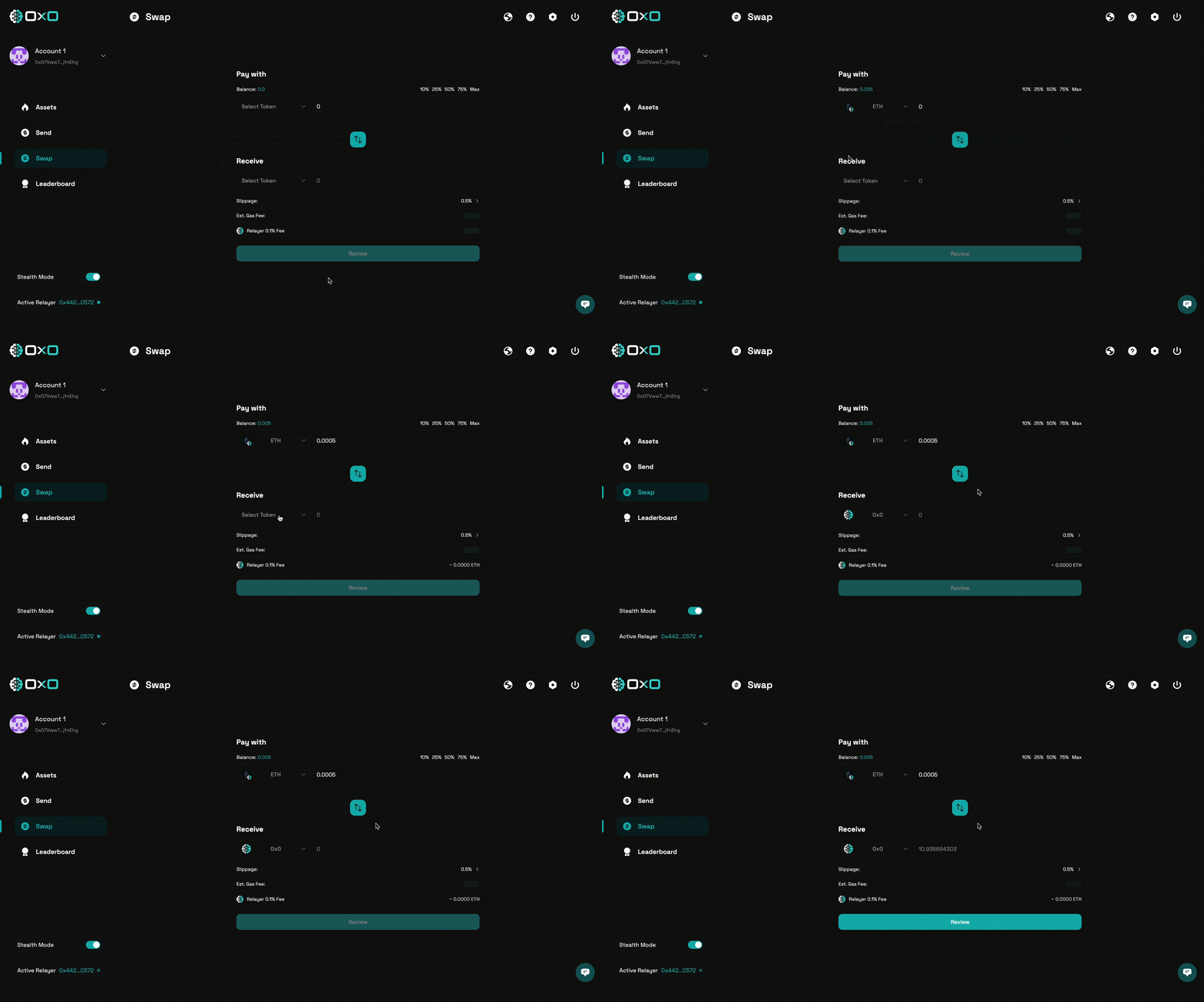
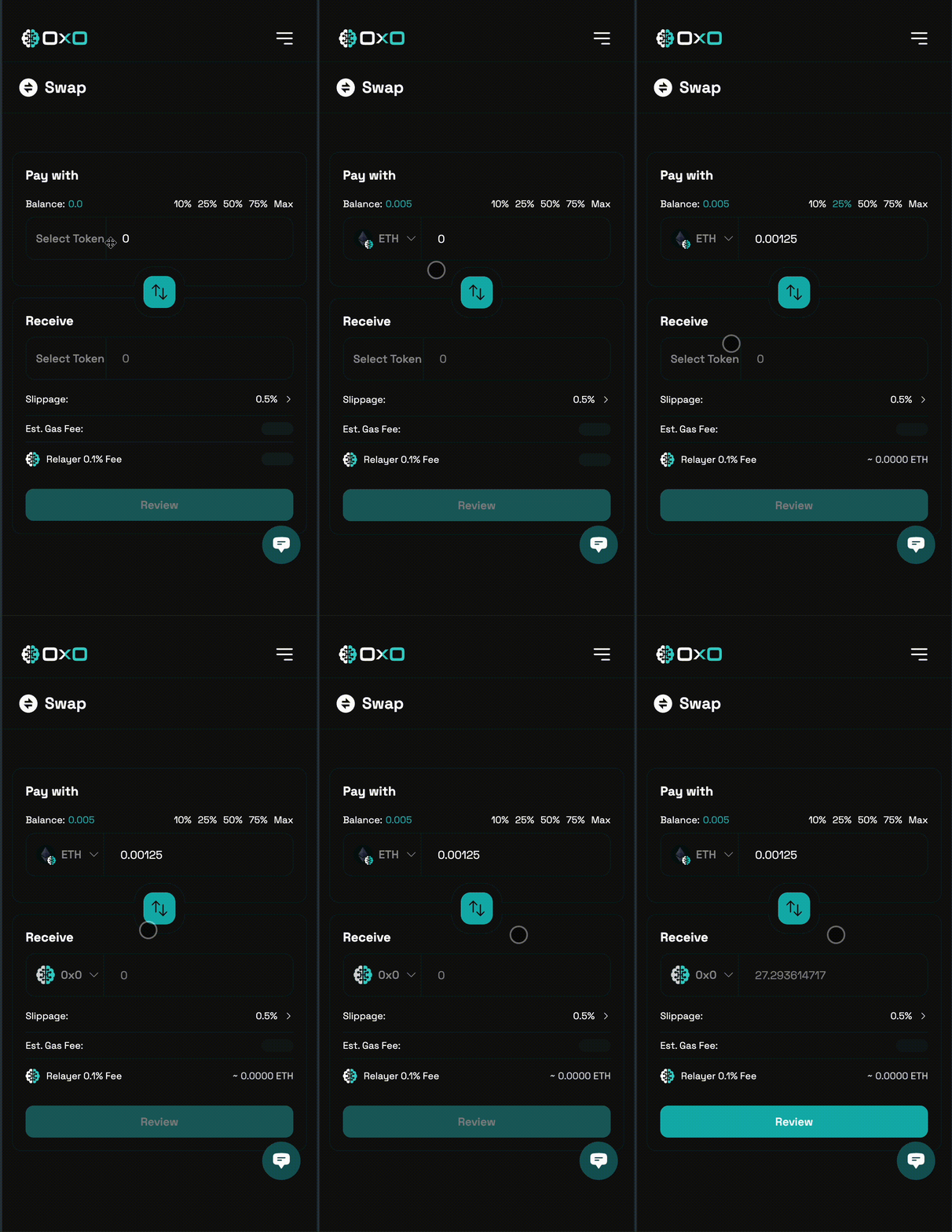
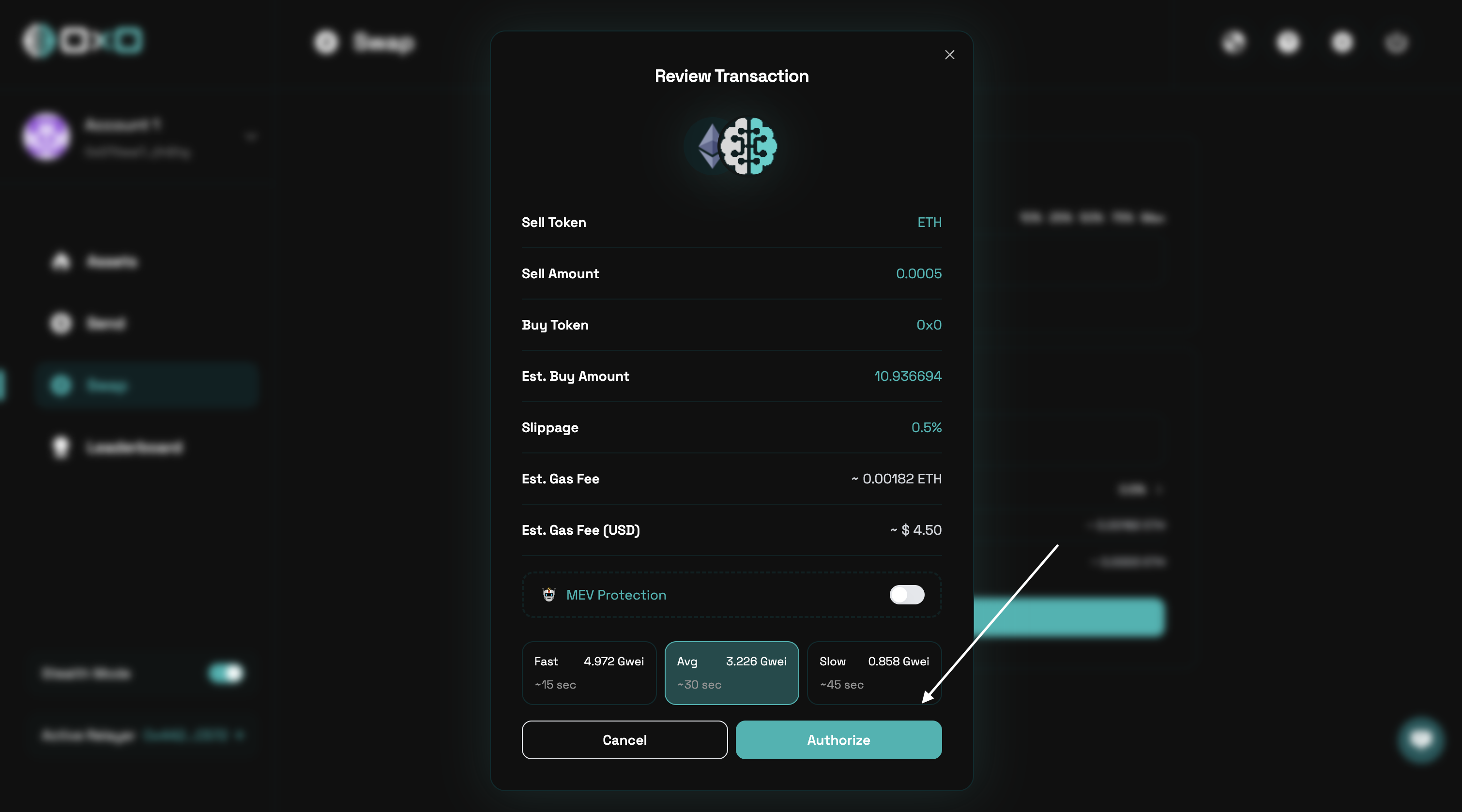
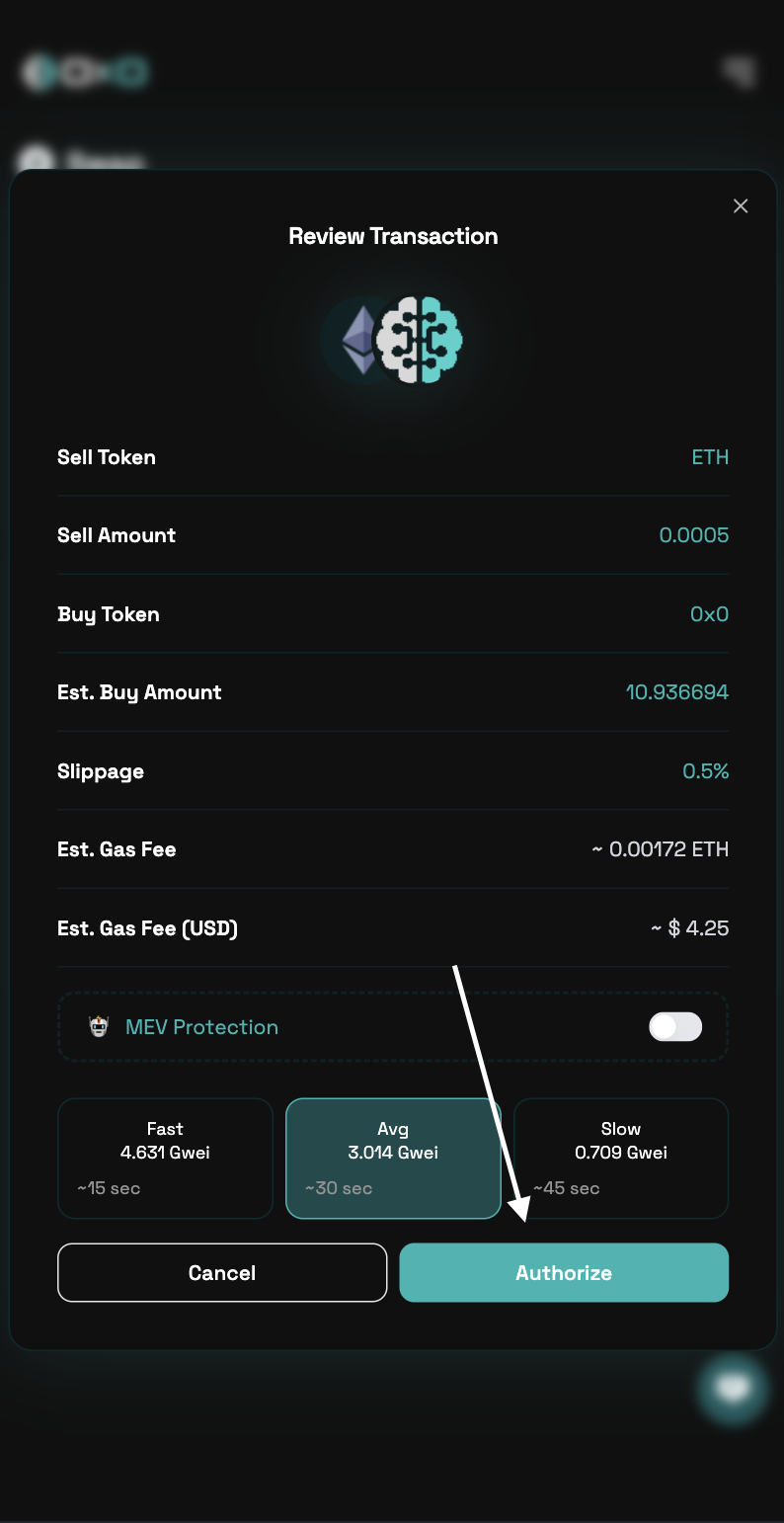
- Carefully review the transaction details, including slippage and fees, then authorize the transaction to proceed.
- Desktop
- Mobile